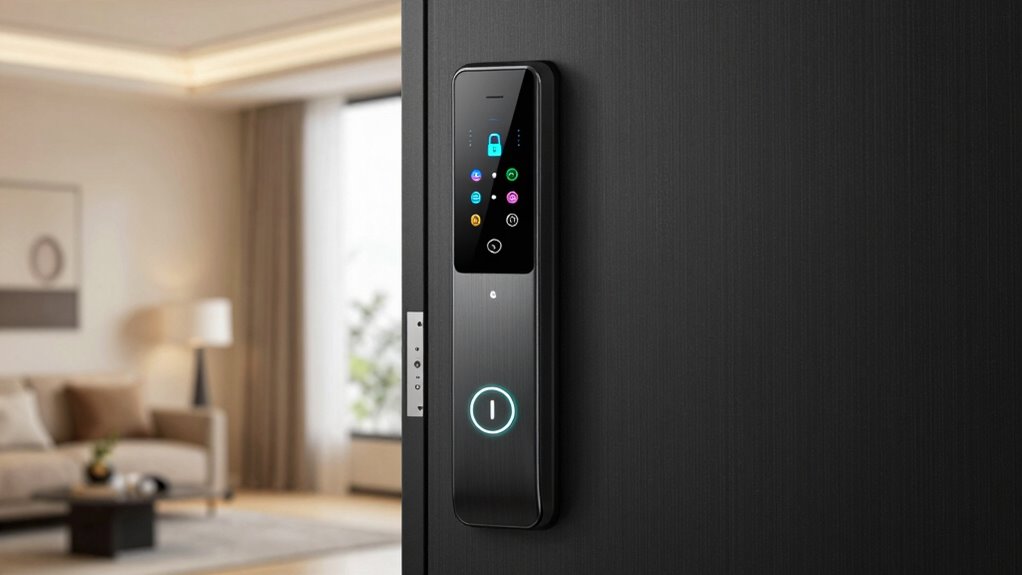
To secure your smart lock, immediately change default PINs and access codes, as they’re often easy to guess. Enable two-factor authentication for added protection and keep firmware and apps updated regularly to patch vulnerabilities. Disable remote access when it’s not needed to reduce hacking risks and verify your Wi-Fi network has strong, unique passwords. Review user permissions frequently to prevent unauthorized entry. Continuing with these steps will help you strengthen your device’s security further.
Key Takeaways
- Change default PINs and passwords to complex, unique codes to prevent unauthorized access.
- Disable remote management and unnecessary remote access features to reduce hacking risks.
- Enable two-factor authentication or biometric verification for added security layers.
- Regularly update firmware and software to patch vulnerabilities and improve encryption protocols.
- Review and limit user permissions, removing guest access and monitoring activity logs regularly.

Video Smart Lock S398, 4-in-1 Camera + Video Doorbell + Fingerprint Keyless Door Lock + Indoor Display Monitor, Smart WiFi Deadbolt, App Remote Control, Easy Installation, Chime Included- 2026 Upgrade
4-in-1 Advanced Security System: Experience all-around protection with a single device. This smart lock combines fast fingerprint recognition…
As an affiliate, we earn on qualifying purchases.
As an affiliate, we earn on qualifying purchases.
Identify Common Smart Lock Security Vulnerabilities
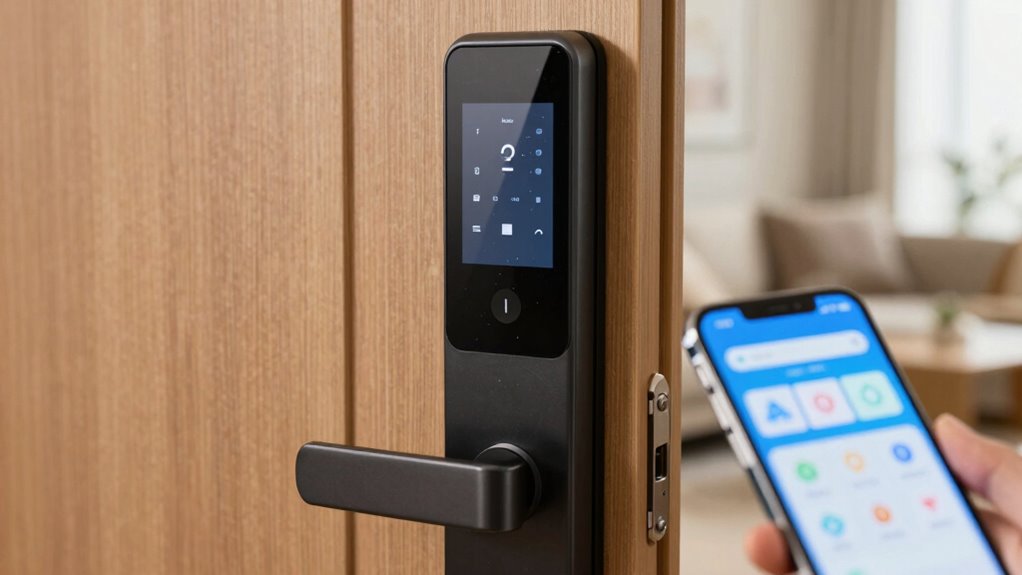
Smart locks, while convenient, are not immune to security vulnerabilities that can compromise your home. One common issue is physical tampering, where someone might try to force the lock open or manipulate its components directly. This can sometimes bypass digital protections if the lock isn’t well-secured. Signal interception is another risk, where hackers capture the wireless communication between your lock and your device or hub. They can then use this intercepted signal to gain unauthorized access. These vulnerabilities highlight the importance of choosing smart locks with strong physical security features and encrypted communication protocols. Regularly inspecting your lock for signs of tampering and ensuring your system uses secure, encrypted signals help protect against these threats. Staying informed about security protocols and firmware updates can further enhance your smart lock’s defenses. Implementing strong passwords and multi-factor authentication can also significantly reduce the risk of unauthorized access. Being aware of these vulnerabilities is key to keeping your home secure. Additionally, understanding spiritual awakening and enlightenment can help you stay alert to new threats and opportunities for improvement in your security measures. Recognizing emerging cybersecurity risks and remaining proactive in your security practices can greatly improve your home’s safety.

Veise VE017 Fingerprint Smart Door Lock, App Control, 8-in-1 Keyless Entry, Auto Lock, Emergency Power Port, Electronic Touchscreen Keypad, Biometric Smart Locks for Front Door, Satin Nickel
Smart User Management: Our smart user management system empowers you to take full, remote control of your property…
As an affiliate, we earn on qualifying purchases.
As an affiliate, we earn on qualifying purchases.
Change Default PINs and Access Codes Immediately
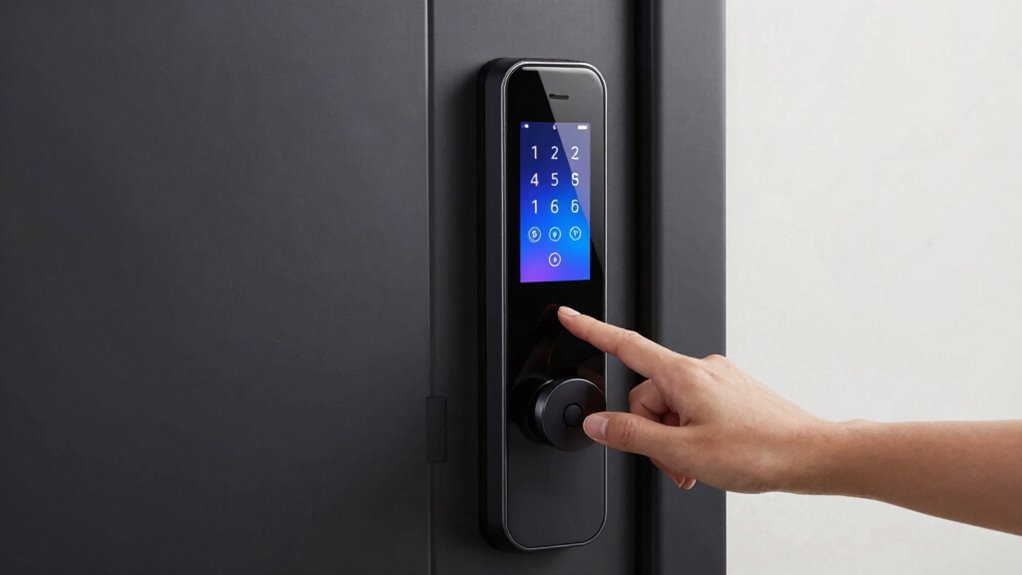
Since default PINs and access codes are often well-known or easily guessable, changing them immediately is crucial to securing your smart lock. Default PINs are usually set by manufacturers and can be found online, making them an easy target for intruders. You should create unique, complex access codes that aren’t simple sequences or common numbers. Avoid using birthdates, anniversaries, or easily guessed patterns. Changing default PINs and access codes as soon as you install your lock greatly reduces the risk of unauthorized entry. Regularly updating your access codes adds an extra layer of security. Additionally, Strong, unpredictable codes can significantly enhance your lock’s protection against hacking attempts. Implementing security best practices such as enabling two-factor authentication, if available, can further bolster your security measures. Furthermore, default security settings are often less secure, so customizing your configuration can further improve safety. Remember, the security of your smart lock depends on strong, unpredictable codes, so don’t leave default settings in place longer than necessary. Energetic alignment with your security goals can also enhance your awareness of potential vulnerabilities.

eufy Security Smart Lock C220, Fingerprint Keyless Entry Door Lock, Built-in Wi-Fi, App Remote Control, Front Door Smart Lock Deadbolt, 8Months Battery, Reliable Power, IP53 Waterproof, BHMA Grade 3
8 Months Battery Life: With 8 AA batteries, Smart Lock C220 runs around 8 months. Experience ultimate convenience…
As an affiliate, we earn on qualifying purchases.
As an affiliate, we earn on qualifying purchases.
Enable Two-Factor Authentication on Your Smart Lock

After changing your default PINs and access codes, the next step is to add an extra layer of protection by enabling two-factor authentication (2FA) on your smart lock. This boosts security by requiring a second verification method, such as biometric authentication or geofencing controls, making unauthorized access nearly impossible. Consider these benefits:
- Enhanced security—an extra barrier keeps intruders out.
- Peace of mind—know your home is protected at all times.
- Real-time alerts—get notified of any suspicious activity.
- Control flexibility—restrict access based on location or biometric data.
Adding access control features can further customize who can unlock your door and under what circumstances. Implementing multi-layered security measures like 2FA is crucial to safeguarding your smart lock against potential cyber threats. Incorporating cybersecurity best practices can help prevent common vulnerabilities associated with connected devices. Enabling 2FA guarantees only you and trusted users can unlock your door, even if someone bypasses your PIN or password. It’s a simple step that dramatically improves your smart lock’s security. A connected device security approach can also help prevent unauthorized access through network vulnerabilities.

SmartKey Learn Tool for Kwikset – Steel Rekeying Tool for SmartKey Enabled Locks/Deadbolts (83282-003, 83283) – 1-Pack
For Kwikset SmartKey Locks: Perfectly works with SmartKey enabled locks/deadbolts, including models 83282-003 and 83283—ensures a snug fit…
As an affiliate, we earn on qualifying purchases.
As an affiliate, we earn on qualifying purchases.
Keep Firmware and Apps Up to Date Regularly
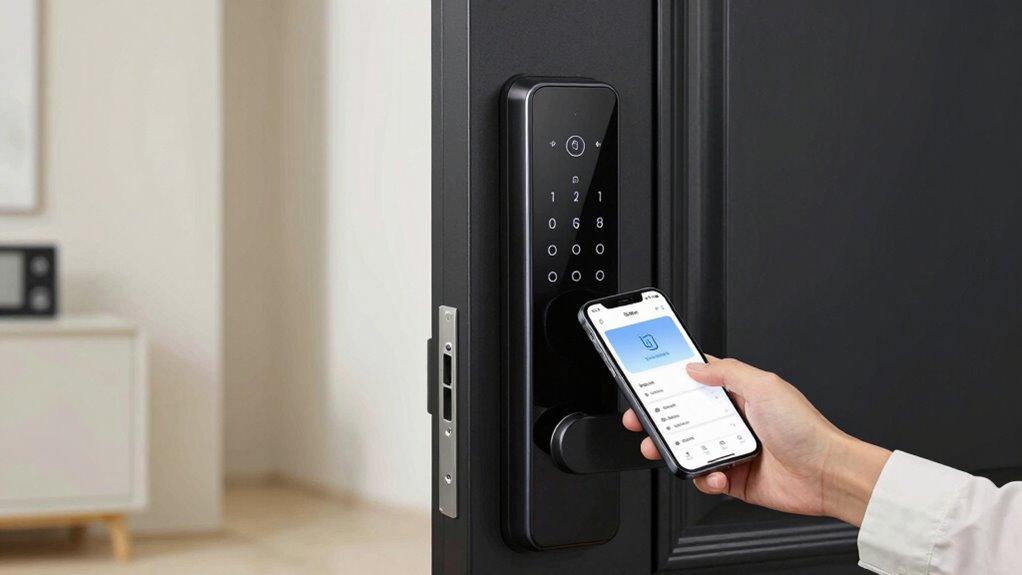
Keeping your firmware and apps up to date is essential for maintaining your smart lock’s security. Manufacturers often release updates that improve encryption protocols, making it harder for hackers to intercept signals or access your lock remotely. These updates also patch vulnerabilities that could be exploited, ensuring your device remains protected. Additionally, updating firmware can enhance battery safety by optimizing power consumption and preventing potential malfunctions caused by outdated software. Regular updates improve overall performance, reduce bugs, and reinforce security measures. To stay protected, enable automatic updates if available, and check for updates frequently. Staying current with firmware and app versions minimizes the risk of security breaches and keeps your smart lock functioning reliably and safely. Firmware updates are crucial for addressing emerging threats and ensuring your device remains secure over time, especially as cybersecurity threats evolve. Regularly reviewing security settings can further bolster your protection against unauthorized access. Moreover, manufacturers often include security patches in updates that specifically target newly discovered vulnerabilities, which is vital for ongoing protection. Staying informed about the latest security best practices can help you respond quickly to new risks and maintain your device’s integrity.
Disable Remote Access When Not Needed
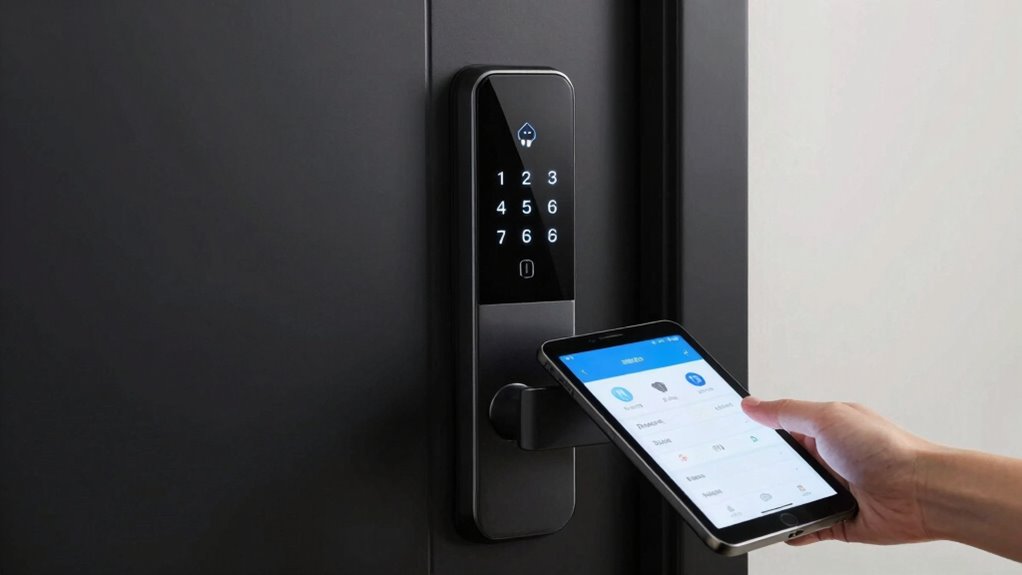
Disabling remote access when you don’t need it is a simple yet effective way to strengthen your smart lock’s security. Leaving remote access enabled increases remote access risks and makes your device vulnerable to hacking attempts. By turning it off, you take control and reduce the chances of unauthorized entry. Consider these points:
- You prevent potential device hacking, safeguarding your home.
- You cut off remote access risks that could expose your lock to cyber threats.
- You gain peace of mind knowing only authorized users access your lock locally.
- You simplify your security setup, minimizing vulnerabilities.
- Additionally, understanding system vulnerabilities helps you recognize the importance of disabling remote features when unnecessary. Recognizing cybersecurity best practices empowers you to maintain a safer smart home environment.
- Regularly reviewing your security settings ensures your device remains protected against evolving threats. Staying informed about security protocols can further enhance your protection.
- Remember that firmware updates often include security patches that can further protect your device from emerging threats.
Turning off remote access is a proactive step toward better device hacking prevention. Don’t leave this feature enabled longer than necessary—your security depends on it.
Use Strong, Unique Wi-Fi and Network Settings
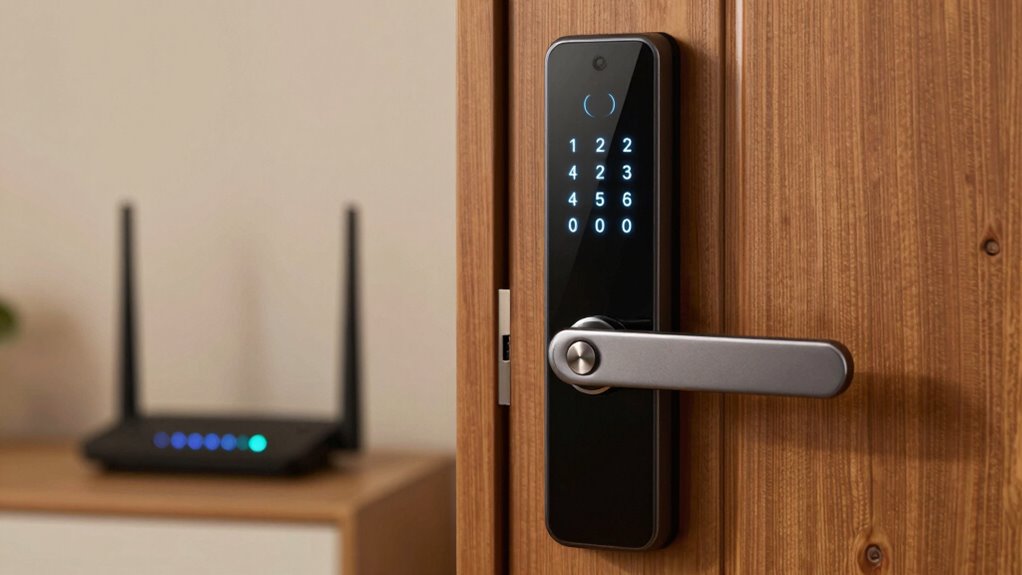
Using strong, unique Wi-Fi and network settings is essential to protect your smart lock from cyber threats. Ensure your Wi-Fi uses robust Wi-Fi encryption, such as WPA3, to prevent unauthorized access. Avoid default passwords and choose complex, unique ones for your network. Implement network segmentation by creating separate networks for your smart devices and other home devices, limiting potential attack surfaces. This way, if one device is compromised, your smart lock remains protected. Regularly update your router firmware to patch vulnerabilities. Disable remote management features unless necessary, and turn off UPnP to prevent external access. Additionally, regularly check your network security to identify and address potential vulnerabilities. These steps make it harder for hackers to exploit your network and keep your smart lock secure. Prioritizing these settings considerably enhances your smart lock’s cybersecurity.
Review and Manage User Permissions Frequently
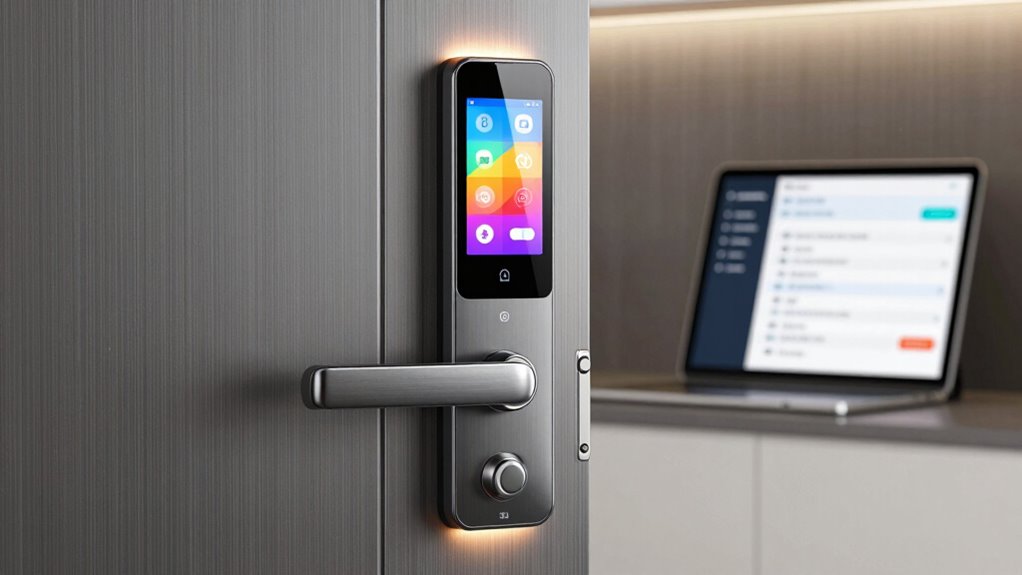
Regularly reviewing and managing user permissions is essential to maintaining your smart lock’s security. You need to stay vigilant about who has access and how they use it. Consider these steps:
- Remove guest access immediately when it’s no longer needed to prevent unauthorized entry.
- Regularly check user activity logs to identify suspicious or unexpected activity.
- Limit permissions for temporary users to essential functions only.
- Update access codes or permissions after any security concern or if someone leaves your property.
Frequently Asked Questions
Can Smart Locks Be Hacked Through Bluetooth or Wi-Fi?
Yes, smart locks can be hacked through Bluetooth vulnerabilities or Wi-Fi hacking risks. Hackers may exploit weak Bluetooth connections or insecure Wi-Fi networks to gain unauthorized access. To protect yourself, make sure your lock’s firmware is updated regularly, use strong, unique passwords, and avoid connecting to unsecured networks. Staying vigilant about these security risks helps prevent potential breaches and keeps your smart lock secure.
Are There Recommended Password Standards for Smart Lock Access Codes?
Imagine you’re in the Wild West, but today, your smart lock needs a strong password. You should use a password that’s complex, combining uppercase and lowercase letters, numbers, and symbols. Avoid common words or patterns. Aim for at least 12 characters. This guarantees your access code has the right password complexity, making it much harder for hackers to crack. Strong passwords protect your smart lock from unwanted intruders.
How Can I Detect if My Smart Lock Has Been Compromised?
You can detect if your smart lock’s been compromised by paying attention to alarm notifications and unusual activity alerts. If you notice notifications about unauthorized access or if the lock’s status changes unexpectedly, take immediate action. Check your access logs for unfamiliar entries and verify your firmware is up-to-date. Regularly monitor the lock’s activity through its app to catch any suspicious behavior early and keep your home secure.
Is It Safe to Share Access Codes With Family Members?
Sharing access codes with family members can be safe if you follow proper family sharing protocols and prioritize access code privacy. Make sure only trusted family members have the code, and change it regularly to prevent unauthorized access. Use secure communication channels to share the code, and set permissions if your smart lock app allows. This way, you maintain control and keep your smart lock secure while allowing trusted family members in.
What Should I Do if I Lose My Smartphone Connected to the Smart Lock?
If you lose your smartphone connected to the smart lock, first follow your access code management plan and change your passwords immediately. Use your emergency access procedures to regain control, such as contacting support or using backup methods like a physical key. Avoid panicking, and verify your lock’s security settings are up to date to prevent unauthorized access. Regularly review and update your access credentials for added safety.
Conclusion
By taking these seven steps, you substantially boost your smart lock’s security. Did you know that over 60% of smart lock breaches happen due to overlooked vulnerabilities like default PINs or outdated firmware? Don’t become part of that statistic—stay vigilant, update settings regularly, and manage user access carefully. Protecting your home is about proactive security; a few quick changes now can prevent costly and stressful breaches later.