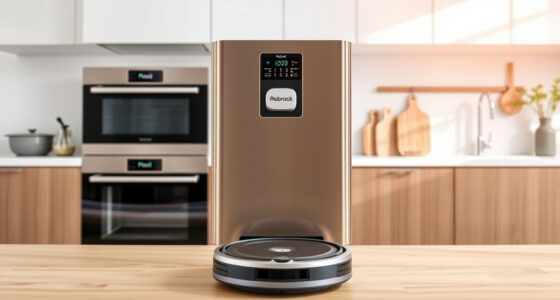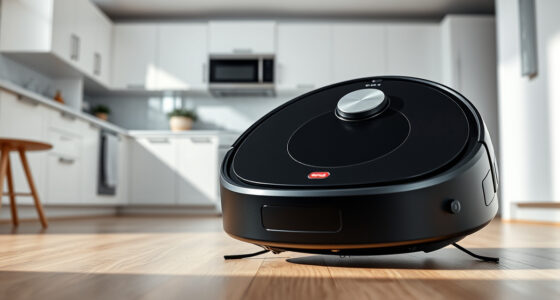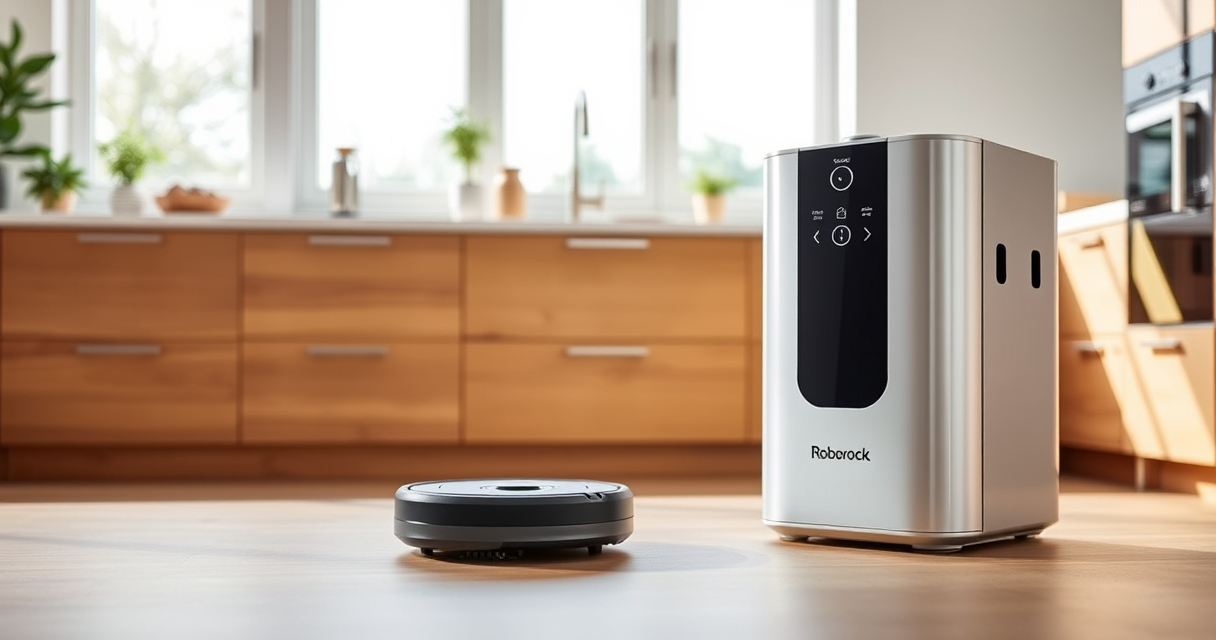
If your Roborock Q10 S5+ isn’t mopping as it should, it can be frustrating, especially with its powerful Sonic Mopping system. Many issues are simple to fix with some basic troubleshooting, saving you time and effort.
This guide provides practical, step-by-step instructions to identify and resolve common causes of mopping failure, ensuring your robot returns to effective cleaning quickly and safely.
Key Takeaways
| Check water tank and mop pad | Ensure the water tank is filled and the mop pad is clean, installed correctly, and not damaged. |
| Inspect settings and app configurations | Verify mopping mode is enabled in the app and no restrictions are preventing mopping. |
| Examine sensors and brushes | Clean sensors, brushes, and wheels for dirt or obstructions that may affect mopping. |
| Update firmware and restart | Keep your robot’s firmware current and restart to resolve minor software glitches. |
Amazon Product B0DWXBCQVP
As an affiliate, we earn on qualifying purchases.
1. Confirm Water Tank and Mop Pad Are Properly Installed
- Remove the water tank and check if it’s filled with clean water. Refill if necessary.
- Inspect the mop pad for dirt, tears, or detachment. Replace if worn out or damaged.
- Securely attach the water tank and mop pad back onto the robot, ensuring proper fit.
Amazon Product B0DK99HTQ7
As an affiliate, we earn on qualifying purchases.
2. Verify Mopping Settings in the App
- Open the Roborock app and select your device.
- Check that the mopping mode is enabled and no no-mop zones are set.
- Adjust settings if needed, ensuring the mopping option is activated for your cleaning schedule.
3. Clean Sensors and Mopping Components
- Turn off the robot and remove the main brush, side brush, and water tank.
- Wipe sensors with a soft cloth to remove dust or dirt.
- Clean the mop pad, water tank outlets, and brushes thoroughly.
- Reassemble the parts securely before testing.
4. Perform Firmware Update and Restart
- Ensure your Roborock app is connected to the internet.
- Check for firmware updates and install if available.
- Restart the robot by turning it off, waiting 10 seconds, then turning it back on.
5. Test the Mopping Function
- Start a cleaning cycle with mopping enabled.
- Observe if the robot lifts the mop when moving over carpets or no-mop zones.
- If issues persist, repeat the cleaning of sensors and parts or contact support.
The Products in This Guide

roborock Q10 S5+ Robot Vacuum and Mop
- ✔ Suction Power: 10,000 Pa
- ✔ Dust Capacity: 2.7L
- ✔ Mopping System: VibraRise 2.0 Sonic

4 Pack Washable Filter
- ✔ Pack Size: 4 filters
- ✔ Material: HEPA washable
- ✔ Compatibility: Multiple Roborock models
roborock Q10 S5+ Robot Vacuum and Mop
The Roborock Q10 S5+ offers impressive 10,000 Pa suction, Sonic Mopping, and a 70-day self-emptying station. It’s ideal for busy households needing reliable, hands-free cleaning.
Pros:
- Powerful 10,000 Pa suction
- Self-emptying station with 70 days capacity
- Obstacle avoidance and anti-tangle design
- Sonic mopping system with auto mop lift
Cons:
- Requires regular filter cleaning
- Mopping may be less effective on heavily sticky floors
- Higher initial cost
Best for: Pet owners and busy households needing robust cleaning and mopping with minimal maintenance
Not ideal for: Users looking for a budget-friendly or simple vacuum only
Bottom line: A highly capable robot vacuum that combines strong suction with advanced mopping features, ideal for busy, pet-friendly homes.
4 Pack Washable Filter
This 4-pack of washable filters ensures your Roborock maintains optimal air quality and suction. Easy to install and clean, they extend your vacuum’s lifespan.
Pros:
- Compatible with multiple Roborock models
- Washable and reusable
- True HEPA filtration
- Easy to replace
Cons:
- Requires regular cleaning to maintain performance
- Not OEM, but high quality
Best for: Maintaining filter efficiency without frequent replacements
Not ideal for: If you prefer OEM parts or have specific model restrictions
Bottom line: A reliable, washable filter pack that keeps your Roborock performing at its best, saving money over time.
Frequently Asked Questions
Why isn’t my Roborock mopping properly?
Common causes include a dirty mop pad, low water level, incorrect settings, or clogged sensors. Follow the troubleshooting steps to resolve these issues.
How often should I clean the mop pad?
It’s best to clean the mop pad after every few uses, especially if it gets dirty or sticky. Replacing every 1-3 months can maintain optimal mopping performance.
Can I use my Roborock on all floor types?
Yes, but ensure the mopping feature is enabled only on sealed, hard floors like tile, hardwood, or stone. Avoid mopping carpets or rugs.
How do I update the robot’s firmware?
Open the Roborock app, connect to your device, and check for firmware updates in the settings menu. Follow prompts to install updates.
Get Your Roborock Mopping Back on Track
Many mopping issues with your Roborock Q10 S5+ are straightforward to fix with simple troubleshooting. Regular maintenance, proper settings, and cleaning ensure it continues to deliver powerful cleaning performance. If problems persist, consulting the user manual or contacting support can help resolve more complex issues for a cleaner home effortlessly.
Affiliate disclosure: As an Amazon Associate we earn from qualifying purchases. Prices and availability are accurate as of the time of publishing.