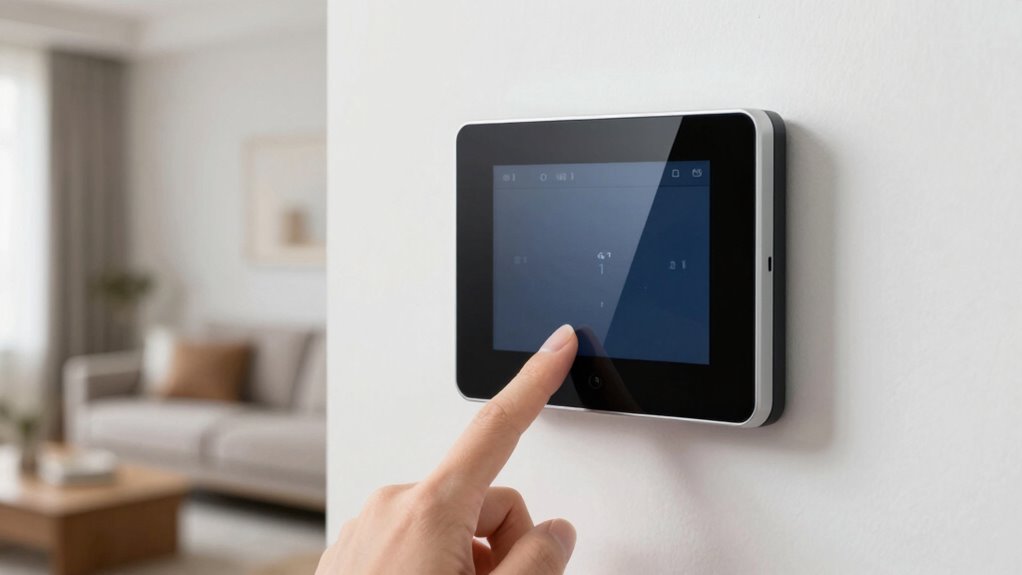

Before installing a smart thermostat, you need to verify your HVAC system’s compatibility, wiring, and connectors, which vary by model and age. Check your system type, wiring color codes, and connector types, and make certain your Wi-Fi network is strong. Consider features like multi-room sensors and voice control, and confirm compatibility with your smart home devices. If you’re unsure about any step, continuing with the guide helps you understand what to check before installation.
Key Takeaways
- Verify your HVAC system type and wiring compatibility before purchasing or installing a smart thermostat.
- Confirm power supply stability and Wi-Fi network strength to ensure proper remote connectivity.
- Check if your existing control system supports features like wireless sensors or multi-stage heating/cooling.
- Ensure the thermostat integrates with your smart home ecosystem via compatible protocols (Zigbee, Z-Wave, Wi-Fi).
- Seek professional assistance if wiring, system complexity, or compatibility doubts arise to prevent installation issues.
How Do I Know If My HVAC System Is Compatible With a Smart Thermostat?

To determine if your HVAC system is compatible with a smart thermostat, start by identifying the type of system you have. Many modern systems support wireless sensors, which can improve temperature accuracy and enable energy monitoring. If your system is a central heating and cooling setup with a standard control board, chances are it’s compatible. However, older systems or those with proprietary controls might require additional components or may not work at all. Check your HVAC’s wiring and the compatibility list from the smart thermostat manufacturer. Wireless sensors can be added to compatible systems to enhance control and energy monitoring, making your setup more efficient. Confirming compatibility guarantees smooth installation and peak performance. Additionally, reviewing your privacy policy helps ensure you understand how your data, such as usage patterns, might be collected and utilized. Understanding HVAC wiring configurations can further assist in assessing compatibility and potential modifications needed, especially since compatibility requirements can vary based on the system’s age and design.
How Can I Find Out What Wiring and Connectors I Have at Home?

Wondering how to identify the wiring and connectors in your home? First, turn off your power to avoid shocks. Then, remove your thermostat cover to see the wires. To determine compatibility, check the wire color codes and connector types. Here are key steps: Understanding common wiring standards and the functions of different wire colors can help you accurately identify each connection. Check wire color codes: Common colors like red, white, yellow, and green indicate specific functions, but verify with your system’s manual. Identify connector types: Look for terminals such as spade connectors or plug-in connectors, which can vary between thermostats. Inspect wire gauge and condition: Ensure wires are thick enough and in good shape for a secure connection.
What Features Should I Look for in a Thermostat for My Setup?
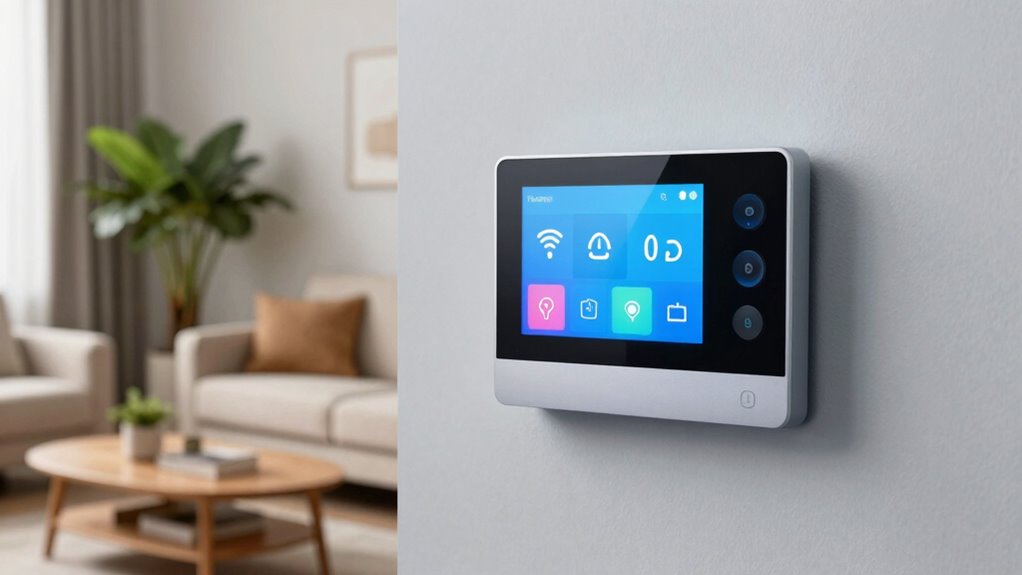
When choosing a thermostat for your setup, consider the features that will best suit your comfort and control needs. Remote sensors are essential if you want to monitor and adjust temperature in different rooms, ensuring consistent comfort throughout your home. Look for thermostats that offer energy reports, so you can track your usage and identify ways to save on energy costs. These reports give you insights into your heating and cooling patterns, helping you make smarter decisions. Additionally, consider if the thermostat supports scheduling, geofencing, or voice control, depending on your lifestyle. The right features can enhance convenience and efficiency, making your smart thermostat a valuable addition to your home. Energy efficiency features can further optimize your system’s performance and reduce costs over time. Incorporating connected home fitness technology for your smart home can also provide integrated control and insights into your overall wellness environment. Understanding safety precautions when installing or operating your thermostat can prevent potential issues and ensure safe usage. For optimal performance, selecting a thermostat with modern connectivity options can enhance integration with other smart devices in your home. Additionally, choosing a model with high-resolution displays can improve usability and ease of adjustments.
Will My Other Smart Devices Work Well With the Thermostat?

You’ll want to check if your voice assistants can control the thermostat easily. Consider how well it integrates with your existing smart home hub for seamless automation. Also, verify the app connectivity lets you monitor and adjust settings conveniently from your devices. Additionally, ensure that the device’s privacy settings are properly configured to protect your data and prevent unauthorized access. Take into account the compatibility with other smart devices to ensure your entire smart home ecosystem functions smoothly together. Confirm that the installation process is straightforward and fits within your current setup to avoid unnecessary complications. Moreover, reviewing the battery life of your smart thermostat can help prevent unexpected outages and ensure consistent operation. Understanding power consumption can also help you manage energy use more effectively.
Compatibility With Voice Assistants
Compatibility with voice assistants is essential for seamless smart home integration, ensuring your thermostat works smoothly alongside other devices. When your thermostat supports popular virtual assistants like Alexa, Google Assistant, or Apple Siri, you can control it easily with voice commands. This makes adjusting temperature simple without needing to open apps or touch the device.
To check compatibility, consider these key points:
- Supported voice command platforms—ensure your voice assistant can communicate with the thermostat.
- Compatibility with your existing virtual assistants—confirm the thermostat works with your preferred system.
- Ease of setup—look for devices that quickly integrate without extensive configuration.
Choosing a thermostat compatible with your voice assistants guarantees effortless control and a more connected smart home experience.
Integration With Smart Home Hubs
Integrating your thermostat with smart home hubs expands your control beyond voice assistants, allowing you to manage multiple devices seamlessly. Compatibility depends on the wireless protocols the hub supports, such as Zigbee or Z-Wave, which guarantee smooth communication with your thermostat. Before purchasing, verify that the thermostat works with your hub’s protocols. Also, keep firmware updates in mind; manufacturers regularly release updates to improve stability and add features. Assuring your thermostat can receive these updates through the hub helps maintain peak performance and security. When devices are properly integrated, your smart home becomes more cohesive, enabling you to automate routines and control everything from a central hub effortlessly. Proper protocol compatibility ensures your smart devices work well together without hiccups or manual adjustments. Additionally, selecting devices aligned with your security protocols is essential to protect your connected ecosystem from potential vulnerabilities.
App Connectivity and Control
Ensuring your smart thermostat works seamlessly with your other devices depends on its app connectivity capabilities. A reliable app allows for remote access, giving you control from anywhere. It also enables app customization, so you can tailor settings to your preferences. To guarantee compatibility, consider these key points:
- Check if the app integrates with your existing smart home ecosystem.
- Confirm it supports remote access for control on the go.
- Look for features that allow app customization, like personalized schedules and alerts.
- App security is also important to protect your connected devices and personal information.
A well-designed app makes managing your thermostat easy and ensures it functions smoothly with your other smart devices. Compatibility in app connectivity is essential for a cohesive, efficient smart home experience.
How Can I Troubleshoot Compatibility Problems Before Installing?
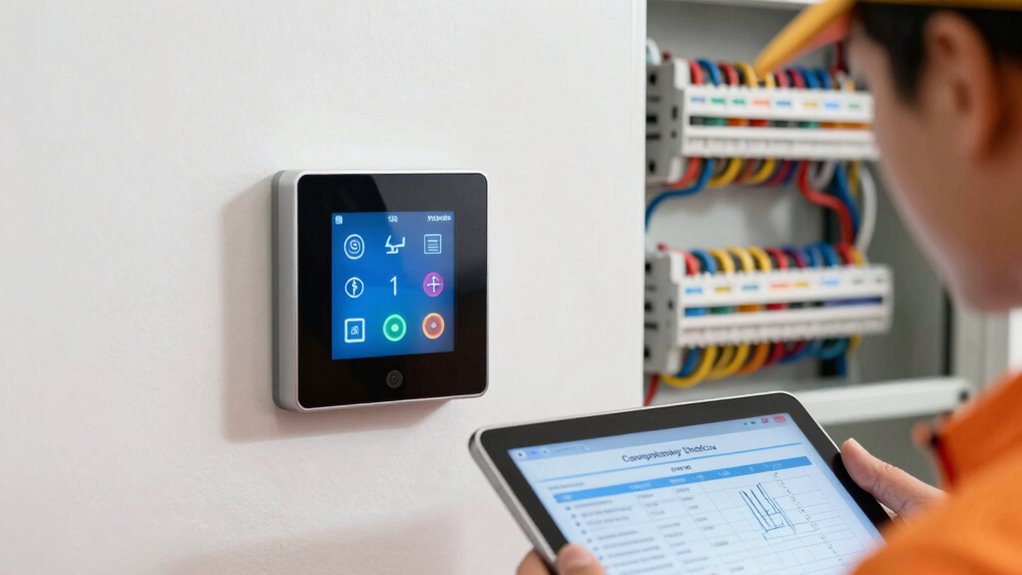
Before installing a smart thermostat, it’s important to verify that it will work with your current heating and cooling system. Start by checking your system’s wiring and compatibility requirements. Review your thermostat’s specifications to ensure it supports your system’s type, whether it’s a conventional, heat pump, or multi-stage system. Use online tools or manufacturer websites to troubleshoot potential compatibility issues. Also, consider wireless options, such as Wi-Fi or Zigbee, to ensure seamless connectivity and control. Confirm that your Wi-Fi network is strong enough for remote access. Performing these checks can help you avoid installation problems and ensure energy savings. Additionally, consulting resources on halal technology can provide insights into compatible smart home devices that align with your needs. For example, understanding the system compatibility can prevent costly mistakes and delays. Checking your system’s age and condition can also identify potential issues that might affect smart thermostat performance. Examining the power supply and ensuring it is stable and adequate can prevent malfunctioning or damage to the device. It is also helpful to review any manufacturer recommendations to align your system with the device’s requirements. If you encounter uncertainties, consulting your system’s manual or contacting customer support can save time and prevent costly mistakes.
When Should I Call a Professional to Check Compatibility?

You should call a professional to check your thermostat’s compatibility when you’re unsure about your heating and cooling system’s wiring or if your system has complex features that a standard setup might not support. An expert consultation ensures you avoid costly mistakes and guarantees proper installation. A professional assessment can verify whether your system’s wiring, controls, or advanced features are compatible with your chosen smart thermostat. Additionally, understanding US tax law updates can help homeowners plan for potential incentives or rebates related to energy-efficient upgrades. Consider calling in a pro if: 1. You’re uncertain about the wiring or existing control system. 2. Your HVAC has unique or complex features. 3. You want peace of mind from an expert evaluation before installation. In these cases, a professional assessment provides the clarity needed to ensure compatibility and optimal performance.
Frequently Asked Questions
Can I Upgrade My Existing Thermostat to a Smart Model Easily?
Yes, upgrading your existing thermostat to a smart model is usually straightforward, but watch out for installation challenges. You might need to handle wiring adjustments or bypass certain features. Once installed, explore the user interface to customize settings easily. If you’re comfortable with basic wiring and tech, the upgrade should be smooth. Otherwise, consider hiring a professional to ensure proper installation and peak performance.
Do Smart Thermostats Work With All Heating and Cooling Systems?
Smart thermostats don’t work with all heating and cooling systems, especially older models. You need to check your thermostat wiring and confirm HVAC integration is compatible. For example, if your system uses a 24V wiring setup, most smart thermostats will work seamlessly. However, systems with unique wiring or proprietary technology might require special adapters or professional installation. Always verify your system’s specs before buying to avoid compatibility issues.
Are There Specific Brand Compatibilities to Consider?
Yes, some smart thermostats have brand restrictions that could cause compatibility issues. Before you buy, check if the thermostat works with your specific brand of HVAC system, like Lennox, Trane, or Carrier. Certain brands might not support all features or may require additional adapters. To avoid problems, verify compatibility with your system’s brand and model, ensuring seamless integration and peak performance.
How Does Wi-Fi Connectivity Affect Smart Thermostat Performance?
Imagine your smart thermostat as a diva performer; Wi-Fi stability is its spotlight. If your Wi-Fi connection is flaky or suffers frequent drops, your thermostat will throw tantrums—disconnecting or misreading temperature data. Connectivity issues cause delayed commands and frustrate automation. To keep the show running smoothly, verify your Wi-Fi is strong, reliable, and supports the bandwidth needed. Otherwise, your thermostat’s performance will be as unpredictable as a diva’s mood.
Will My Utility Company Support the Energy-Saving Features?
Your utility company might support the energy-saving features if you check for utility rebates and local energy regulations. Many companies offer rebates to encourage smart thermostat adoption, helping you save money upfront. Additionally, energy regulations often promote efficient devices, making your smart thermostat eligible for support. To guarantee compatibility, contact your utility provider or visit their website to verify available rebates and understand any specific requirements.
Conclusion
Before you plunge into the world of smart thermostats, make sure your system is compatible—that’s the key to a smooth upgrade. Think of it as checking the map before setting out on a journey. Take the time to verify wiring, features, and device compatibility, and don’t hesitate to call in a pro if you hit a roadblock. With a little prep, you’ll have your smart home humming along effortlessly, like a well-oiled machine.