
To set up geofencing automations in your smart home, start by enabling location services on your devices and apps. Next, create a virtual perimeter around your preferred area, specifying the radius that suits your needs. Then, configure automation rules to trigger actions like turning on lights or adjusting the thermostat when you enter or leave the zone. Make sure to test and fine-tune your setup for accuracy, and discover more tips to make your smart home truly responsive.
Key Takeaways
- Enable location services and grant permission for your smart home app to access your device’s GPS.
- Define accurate geofence boundaries around your home or desired areas within the app.
- Create automation rules for specific triggers like entering or leaving the geofence zone.
- Test automations by moving in and out of the area to ensure proper device response.
- Review privacy settings regularly, and disable automations when privacy concerns or travel situations arise.
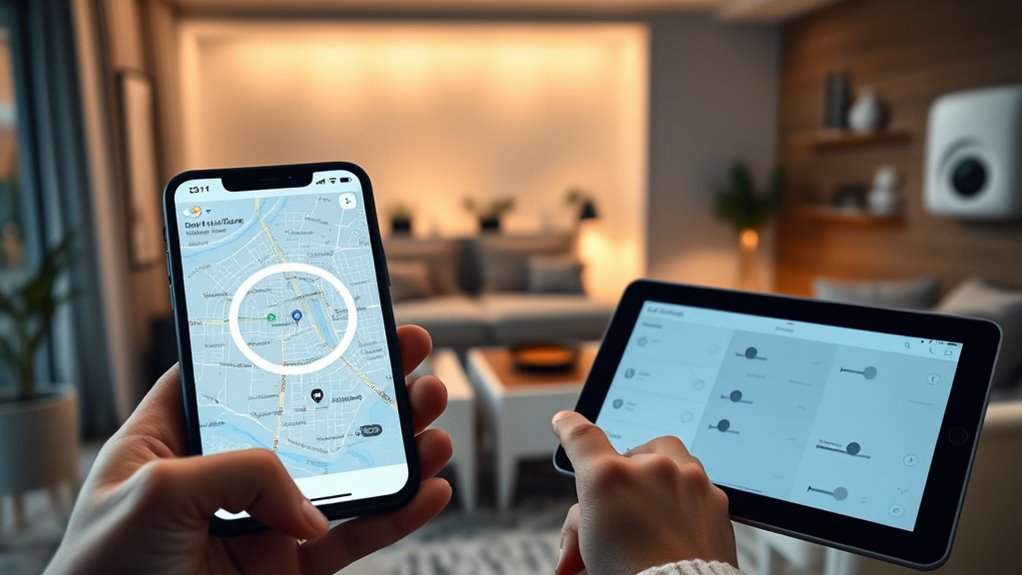
Setting up geofencing automations allows you to create intelligent, location-based triggers that enhance your smart device experience. By leveraging your smartphone’s GPS, you can automate actions like turning on lights, adjusting thermostats, or unlocking doors when you arrive home or leave a specific area. To get started, you’ll need to explore your smart home app’s geofencing options, which typically involve setting a virtual perimeter around your property. This process is straightforward but requires attention to privacy settings and device compatibility to guarantee everything works smoothly and securely.
First, check your privacy settings within your smartphone and smart home app. Geofencing relies heavily on location data, so you want to make sure your device grants the necessary permissions. You should enable location services and allow your smart home app to access your location at all times, not just while using the app. This ensures that automations trigger accurately, even if the app isn’t actively open. Be cautious with privacy—review the app’s permissions and privacy policies to understand how your location data is used and stored. Adjust settings to limit data sharing when possible, and consider turning off geofencing automations when privacy is a concern or when you’re traveling abroad. Additionally, understanding the cookie categories and how they can influence your data privacy helps you make informed decisions about sharing location information.
Enable location permissions and review privacy policies to ensure accurate and secure geofencing automations.
Device compatibility plays a vital role in setting up effective geofencing automations. Not all smart devices or platforms support advanced location-based triggers. Before you begin, verify that your smart home hub, devices, and app are compatible with geofencing features. Check the manufacturer’s specifications or support documentation to confirm compatibility. If your devices aren’t compatible, you might need to upgrade or switch to a platform that offers more robust geofencing capabilities. Additionally, some platforms require specific versions of firmware or app updates to enable geofencing. Keeping your devices and apps current ensures seamless automation and reduces potential glitches.
Once your privacy settings are configured and device compatibility is confirmed, you can define the geofence perimeter in your app. Typically, you’ll set a radius around your home or desired location, often in meters or feet. Then, create automation rules that activate when you enter or leave this area. Test your setup by physically moving in and out of the designated zone to verify that your devices respond correctly. Fine-tune the radius or automation triggers as needed to prevent false triggers or missed automations.
Frequently Asked Questions
How Accurate Is Geofencing With Different Smartphone Devices?
Geofencing accuracy varies depending on your device compatibility and location services. Most smartphones today offer good location accuracy, but differences in hardware and software can affect precision. iPhones generally provide highly reliable geofencing, while Android devices may vary more. To improve accuracy, verify your device has GPS enabled and you’re using the latest updates, as this helps your smart home automations activate precisely when you arrive or leave.
Can Geofencing Trigger Multiple Home Devices Simultaneously?
Yes, geofencing can trigger multiple home devices simultaneously. You need to guarantee good device synchronization and reliable location accuracy on your smartphone. When your device’s location is precise, the automation system can accurately detect your arrival and activate several devices at once, like lights, thermostats, and security cameras. Proper setup and maintaining updated apps help improve this synchronization, ensuring your automations work seamlessly whenever you enter or leave your designated zone.
What Privacy Concerns Are Associated With Geofencing Automation?
Imagine your smart home as a guarded vault, but with location tracking, you’re also revealing your whereabouts. Your data privacy can be compromised if unauthorized parties access your location info. Geofencing automation raises privacy concerns because it constantly tracks your device’s location, risking data leaks or misuse. It’s essential to understand how your data is stored and shared to keep your privacy protected and avoid unwanted surveillance.
How Does Battery Life Affect Geofencing Performance?
Battery life directly impacts geofencing performance because frequent location updates can cause significant battery drain. If your device’s battery is low, it may delay or disable geofencing notifications, reducing accuracy. To maintain reliable automation, you should enable power optimization features on your smartphone, which help conserve battery while still allowing geofencing functions to operate effectively. Properly managing battery life guarantees your smart home automations work seamlessly.
Can Geofencing Be Used for Security Alerts Outside the Home?
Yes, you can use geofencing for security alerts outside your home, but be cautious of security loopholes and false alarms. If your geofence isn’t precisely set, you might get alerts when you’re actually nearby or away, leading to unnecessary worry. To improve accuracy, regularly update your location settings and test the system. This way, you can confidently rely on geofencing to alert you about potential security issues without false alarms.
Conclusion
Now that you’ve set up your geofencing automations, you’re like a modern-day Icarus, seamlessly flying between comfort and security. With a simple glance at your phone, your home responds effortlessly—just as the sun’s rays guide a moth to its flame. Embrace this smart harmony, knowing your home’s always aware of your presence. As you master this technology, you’re turning your house into a vigilant guardian, ready to serve you at a moment’s notice.