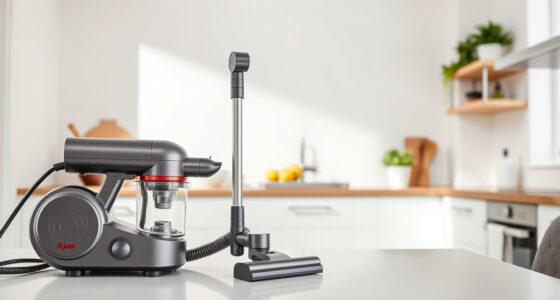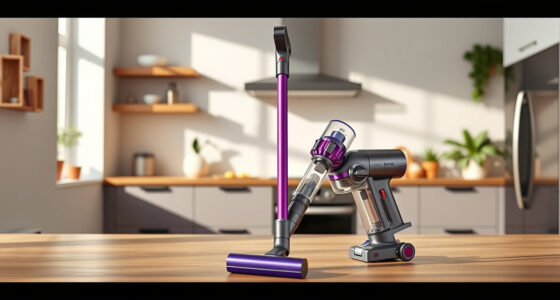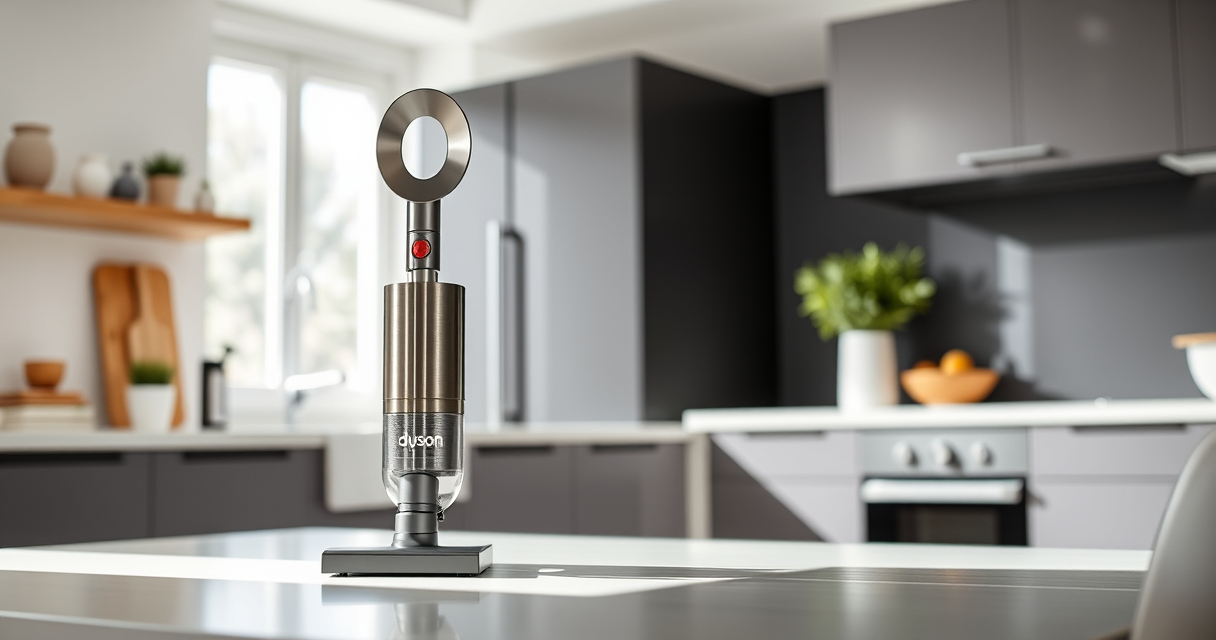
Maintaining your Dyson V15 Detect™ Origin cordless vacuum is essential to ensure optimal performance and longevity. Regular upkeep can prevent common issues like loss of suction, reduced runtime, or filter clogging. This guide provides clear, practical steps to clean, troubleshoot, and care for your Dyson vacuum, helping you get the most out of your investment.

Get home appliances delivered free with Prime
- Fast, free delivery on millions of items
- Prime Video, Amazon Music and more included
- Member-only deals all year
Whether you’re a new user or a seasoned owner, following these maintenance tips will keep your device running smoothly and efficiently, ensuring deep cleaning power at every use.
Key Takeaways
| Routine cleaning extends lifespan | Regularly cleaning filters and brushes maintains suction and performance. |
| Filter replacement improves efficiency | Changing filters on schedule helps avoid suction loss and motor strain. |
| Check for blockages | Inspect and clear debris from wand and cleaner heads to prevent clogs. |
| Battery health matters | Proper charging and avoiding complete discharges prolongs runtime. |
| Use recommended accessories | Attach compatible tools for effective cleaning in tight spots. |
Preparing Your Dyson V15 Detect™ for Maintenance
- Turn off and unplug the vacuum: Always ensure the device is turned off and disconnected from charging before starting maintenance to prevent accidental activation or electrical hazards.
- Remove the wand and cleaner heads: Detach the main cleaner head and wand for easier access to internal parts and filters.
- Gather cleaning supplies: Have a soft brush, a damp cloth, and replacement filters or parts ready to streamline the process.
Cleaning the Filters
- Remove the filters: For the Dyson V15 Detect™, locate the pre-filter and other replaceable filters as per the user manual.
- Wash the filters: Rinse them under cold water until the water runs clear. Do not use detergents or wash in a dishwasher.
- Dry completely: Allow filters to air dry fully for at least 24 hours before reinserting. Do not microwave or blow dry.
- Replace if necessary: If filters are damaged or excessively worn, consider replacing with compatible filters such as the 3Pack Pre Filters Replacement.
Inspecting and Clearing Blockages
- Check the wand and cleaner heads: Remove any visible debris or tangled hair from the Digital Motorbar and Fluffy Optic cleaner heads.
- Clear the wand: Detach the wand and inspect for obstructions inside. Use a long, flexible brush if needed.
- Examine the dustbin: Empty it regularly and wash it with water. Make sure it’s dry before reattaching.
Maintaining the Battery and Power Components
- Charge properly: Use the original charging dock or cable and avoid overcharging. Unplug once fully charged.
- Monitor runtime: Keep track of the battery health; if runtime diminishes significantly, consider a battery replacement or professional check.
- Avoid complete discharges: Recharge when the battery is low to prolong its lifespan.
Replacing Worn or Damaged Parts
Use only recommended replacement parts, such as the 3Pack Pre Filters Replacement or compatible crevice tools, to ensure safety and performance. Follow the specific instructions for each component to avoid damaging your vacuum.
The Products in This Guide

Dyson V15 Detect™ Origin Cordless Vacuum
- ✔ Weight: 6.8 lbs
- ✔ Run Time: 60 mins
- ✔ Filter Type: Washable pre-filter

LANMU Crevice Tool Vacuum Attachments Compatible
- ✔ Length: 12 inches
- ✔ Weight: 0.8 lbs
- ✔ Material: Plastic
Dyson V15 Detect™ Origin Cordless Vacuum
<p>The Dyson V15 Detect™ Origin offers powerful, intelligent cleaning with features like an LCD screen and advanced cleaner heads. Regular maintenance ensures it continues to perform at its peak, making it a worthwhile investment for thorough home cleaning.</p>
Pros:
- Powerful suction with 100% more cleaning power
- Intelligent debris detection
- Long battery life of 60 minutes
- Versatile cleaning heads for all floor types
Cons:
- Requires regular filter cleaning
- Potential for clogging if not maintained
- Battery replacement can be costly
Best for: Whole-home deep cleaning, pet hair removal, detailed dust detection
Not ideal for: Light, quick cleans or for users who prefer corded vacuums
Bottom line: Regular maintenance keeps your Dyson V15 Detect performing like new.
LANMU Crevice Tool Vacuum Attachments Compatible
<p>The LANMU Crevice Tool Vacuum Attachments are perfect for reaching tight corners, between furniture, and in car interiors. Its slender design complements the Dyson V15, making detail cleaning effortless.</p>
Pros:
- Narrow nozzle for tight spots
- Compatible with multiple Dyson models
- Flexible and easy to maneuver
- Durable construction
Cons:
- Slightly narrower airflow
- May require careful handling in tight spaces
- Not compatible with older Dyson models without adapters
Best for: Cleaning edges, car interiors, and small crevices
Not ideal for: For large debris or broad surface cleaning
Bottom line: A versatile tool that makes cleaning the hardest spots easier.
Frequently Asked Questions
How often should I clean the filters on my Dyson V15 Detect?
It is recommended to wash the filters every 1-2 months and replace them every 6-12 months depending on usage, to maintain optimal suction and filtration.
What should I do if my vacuum loses suction?
Check and clean the filters, clear any blockages in the wand or cleaner head, and ensure the dustbin is empty and properly attached.
Can I replace the filters myself?
Yes, filters like the 3Pack Pre Filters Replacement are designed for easy removal and installation. Follow the instructions included with your replacement parts.
How do I troubleshoot battery issues?
Ensure the vacuum is charged correctly, avoid completely draining the battery, and consider replacing the battery if runtime continues to diminish significantly.
Is it safe to wash the filters?
Yes, most filters are washable. Rinse with cold water until clear, then let them air dry completely before reinstalling to prevent damage.
Keeping Your Dyson V15 Detect™ in Top Shape
Regular maintenance is key to ensuring your Dyson V15 Detect™ Origin remains powerful and reliable. By following these cleaning and troubleshooting steps, you can extend the life of your vacuum and enjoy consistently excellent cleaning results. Remember to replace filters as recommended and to inspect for blockages periodically. Proper care not only preserves performance but also protects your investment in advanced cleaning technology.
Affiliate disclosure: As an Amazon Associate we earn from qualifying purchases. Prices and availability are accurate as of the time of publishing.
Fall Picks
fall essentials
As an affiliate, we earn on qualifying purchases.