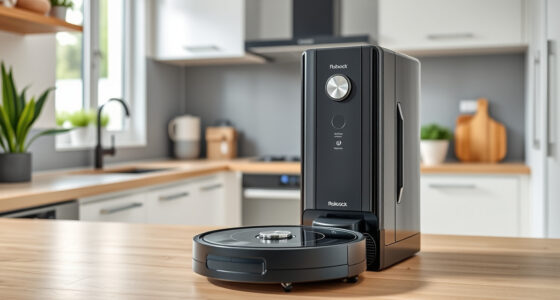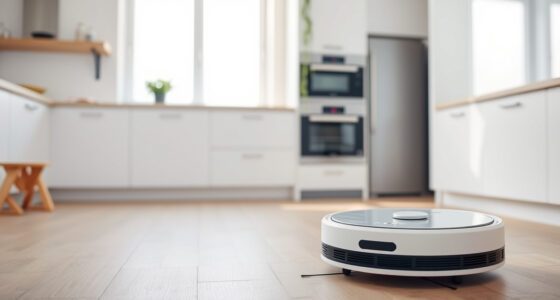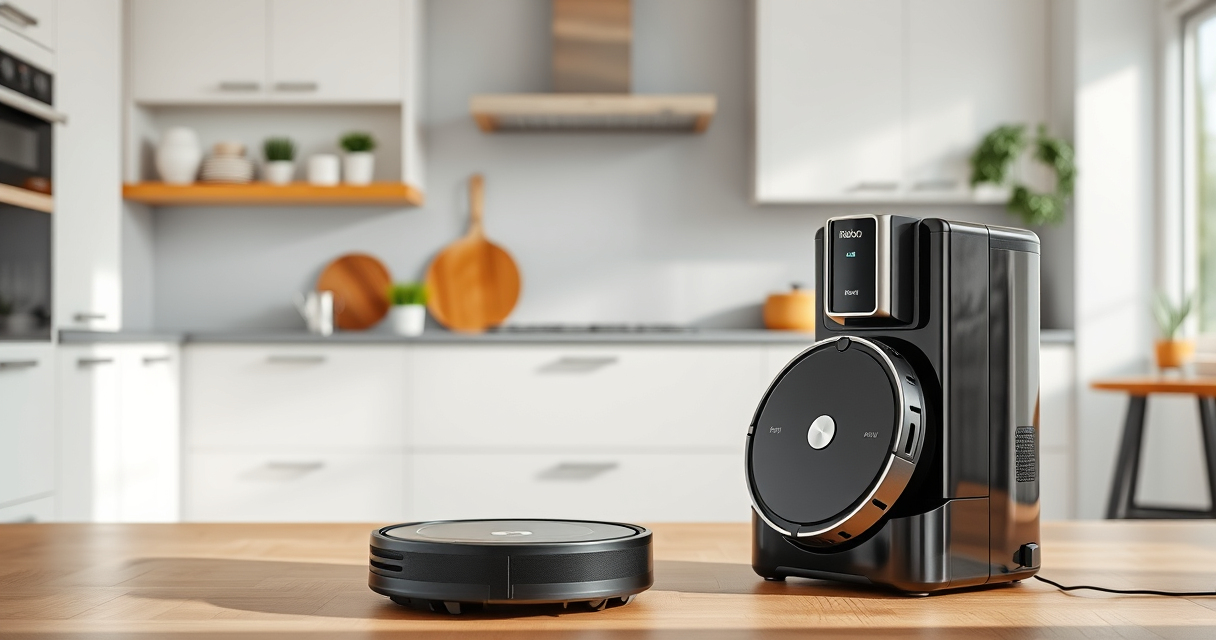
Maintaining your Roborock Q7 M5+ robot vacuum and mop is essential to ensure it performs at its best over time. Regular cleaning, filter replacement, and troubleshooting can extend the lifespan of your device and keep your floors spotless. This guide provides clear, practical steps to help you keep your Roborock in top shape, with tips on safe handling and troubleshooting common issues.

Get home appliances delivered free with Prime
- Fast, free delivery on millions of items
- Prime Video, Amazon Music and more included
- Member-only deals all year
Whether you’re a new user or a seasoned owner, understanding routine maintenance will save you time and prevent costly repairs. Let’s explore the best practices for maintaining your Roborock Q7 M5+ efficiently.
Key Takeaways
| Routine Cleaning | Regularly clean brushes, sensors, and docking stations. |
| Filter Maintenance | Replace or wash filters every 1-3 months for optimal performance. |
| Battery Care | Charge properly and avoid complete drain to prolong battery life. |
| Troubleshooting | Identify common issues like tangling or poor suction early. |
Cleaning the Main Brush and Anti-Tangle System
- Power off the robot and remove it from the charging dock.
- Gently remove the main brush from the bottom of the device, following the manufacturer’s instructions.
- Use a cleaning tool (often included) to remove hair, pet fur, and debris from the brush and surrounding anti-tangle components.
- Check the dual anti-tangle system to ensure no hair is wrapped around the side brushes or the main brush axis.
- Reinstall the brush securely, ensuring it moves freely without obstruction.
Emptying and Maintaining the Self-Emptying Dust Bag
The Roborock Q7 M5+ features a 2.7L sealed dust bag that can hold up to 7-9 weeks of debris. Regular emptying is simple:
- Open the RockDock Plus station and remove the dust bag carefully to avoid dust dispersion.
- Check the bag for fullness; replace if full or every 7-9 weeks, depending on usage.
- If cleaning, gently tap out dust or vacuum the exterior to prevent dust buildup.
- Reinsert the dust bag securely into the station, ensuring a tight seal.
Replacing and Cleaning Filters
The Q7 M5+ uses washable filters that should be replaced or cleaned regularly to maintain suction power. Follow these steps:
- Remove the filter from the dustbin or main body according to your model’s instructions.
- If washable, rinse the filter with water and let it air dry completely (at least 24 hours) before reinstalling.
- For replacement, use the recommended 4 Pack Washable Filter, compatible with your model, to ensure optimal filtration.
- Reinstall the filter carefully, making sure it fits snugly to prevent leaks and loss of suction.
Maintaining and Replacing Mop Pads
The Roborock Q7 M5+ supports mopping with reusable or replacement mop pads. Proper maintenance keeps mopping effective:
- Remove the mop pads after each cleaning cycle and inspect for dirt or damage.
- Wash microfiber mop pads in the washing machine and let them dry thoroughly before reuse.
- Replace mop pads every 1-3 months or sooner if worn or heavily soiled.
- Ensure the pads are properly attached to the mop assembly before starting a cleaning cycle.
Troubleshooting Common Issues
If your Roborock Q7 M5+ encounters problems, try these quick fixes:
- Poor suction: Check for blockages in the suction inlet, clean filters, and clear hair or debris from brushes.
- Navigation errors: Ensure the LiDAR sensor is clean and unobstructed.
- Device not charging: Verify the charging dock is connected properly and the contacts are clean.
- Stuck or tangled brushes: Power off the device, remove brushes, and clear tangles carefully.
The Products in This Guide

roborock Q7 M5+ Robot Vacuum and Mop
- ✔ Model: B0DWX69JVG
- ✔ Self-Emptying: Yes
- ✔ Max Suction: 10,000Pa

4 Pack Washable Filter
- ✔ Type: HEPA washable
- ✔ Pack: 4 filters
- ✔ Compatibility: Multiple models
roborock Q7 M5+ Robot Vacuum and Mop
The Roborock Q7 M5+ offers powerful suction, advanced navigation, and a convenient self-emptying dust system. Regular maintenance ensures it keeps performing at its peak.
Pros:
- Long-lasting 2.7L dust bag
- Up to 9 weeks between emptying
- Powerful 10000Pa suction
- Dual anti-tangle system
Cons:
- Requires periodic filter cleaning
- Mop pads need regular replacement
- Initial setup can be time-consuming
Best for: Pet owners and busy households needing deep, regular cleaning with minimal fuss
Not ideal for: Users needing a lightweight, purely manual vacuum or with very limited space
Bottom line: A highly capable robot vacuum that combines power, convenience, and pet-friendly features for consistent home cleaning.
4 Pack Washable Filter
This 4-pack of washable filters provides an economical and eco-friendly way to keep your Roborock performing optimally. Easy to install and maintain, they are compatible with multiple models including the Q7 and Q5 Pro.
Pros:
- Cost-effective
- Reusable and washable
- Compatible with many models
- Maintains suction power
Cons:
- Must be dried thoroughly
- Not OEM, but high quality
Best for: Habitual filter replacement and eco-conscious users
Not ideal for: Users looking for OEM-certified filters
Bottom line: An economical and environmentally friendly choice to keep your Roborock vacuum performing like new.
Frequently Asked Questions
How often should I clean the brushes?
It’s recommended to clean the main brush and anti-tangle system every 1-2 weeks, especially if you have pets or high debris floors.
Can I replace the filters myself?
Yes, the filters are easy to remove and replace. Washable filters should be cleaned regularly, and replacements can be used as needed.
What should I do if the vacuum stops charging?
Check the charging contacts on both the robot and dock, clean them gently, and ensure the dock is plugged in properly.
How do I troubleshoot poor suction?
Inspect the filters and brushes for blockages or tangles, clean or replace filters, and ensure the dustbin is properly seated.
How often should I replace mop pads?
Mop pads should be replaced every 1-3 months, depending on usage and wear. Wash reusable pads regularly for best results.
Keep Your Roborock Running Like New
Regular maintenance of your Roborock Q7 M5+ ensures it performs at its best, saving you time and effort. From cleaning brushes to replacing filters and maintaining mop pads, following these steps will extend your device’s lifespan and keep your home spotless. Address issues promptly with troubleshooting tips, and consider high-quality replacements to maintain optimal operation.
With consistent care, your Roborock will continue to provide reliable, thorough cleaning for years to come, making your household chores easier and more efficient.
Affiliate disclosure: As an Amazon Associate we earn from qualifying purchases. Prices and availability are accurate as of the time of publishing.