To maximize your robotic cleaner’s battery life, avoid deep discharges and keep the charge between 20% and 80%. Frequent partial charges are better than full cycles, and cold or hot temperatures can reduce battery capacity or accelerate wear. Proper maintenance, like cleaning contacts and preventing overcharging, also helps. Understanding how different factors affect battery health allows you to extend its lifespan. If you want to know more about maintaining peak performance, keep exploring these tips.
Key Takeaways
- Battery capacity decreases over time with repeated charge cycles, reducing cleaning time and effectiveness.
- Partial charging between 20% and 80% extends battery lifespan more than full discharges.
- Smart charging features help minimize unnecessary cycles and preserve battery health.
- Extreme temperatures accelerate battery degradation; maintaining optimal environment prolongs life.
- Regular maintenance, such as cleaning contacts and replacing batteries when needed, ensures efficient performance.
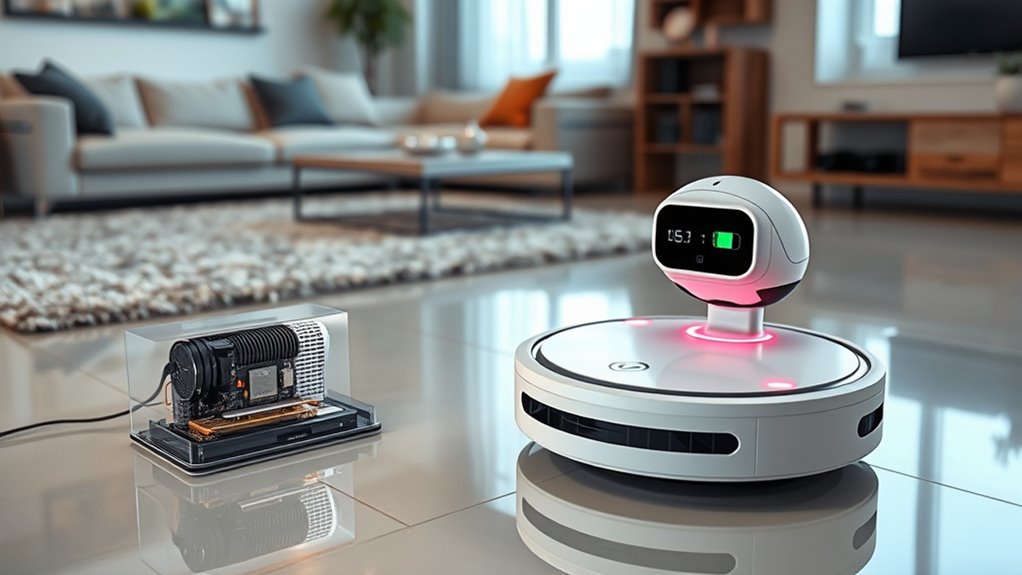
Robotic cleaners have become a popular choice for effortless home maintenance, but understanding their battery life is key to getting the most out of your device. One of the most important factors influencing battery performance is battery degradation. Over time, the battery’s capacity diminishes, meaning your cleaner might not run as long or clean as effectively as when it was new. This happens because each use involves a certain number of charging cycles—full charges from 0% to 100%. Every time you recharge your robot, it completes a charging cycle, and although these cycles are designed to be numerous, they gradually cause wear and tear on the battery’s internal components. As a result, after hundreds of cycles, you’ll notice the cleaning time shortens, and the power might weaken, signaling that the battery is aging.
To maximize battery lifespan, it’s vital to understand how charging cycles impact battery health. You don’t need to wait until the battery is completely drained before charging; partial charges are better for the battery’s longevity. Frequent, smaller top-ups reduce stress on the battery and slow down degradation. Avoid letting the battery sit at 0% for extended periods, as deep discharges can accelerate deterioration. Instead, try to keep the battery charged between 20% and 80%, which helps preserve its capacity over time. Many robotic cleaners come with smart charging features that optimize how often and when they recharge, helping mitigate unnecessary charging cycles and reducing overall wear. Additionally, understanding the battery degradation process can help you better plan maintenance and replacements to extend your device’s lifespan.
Another tip to prevent premature battery degradation is to limit exposure to extreme temperatures. High heat accelerates chemical reactions inside the battery, hastening wear, while cold temperatures can temporarily reduce capacity. Consequently, it’s best to keep your robot in a temperature-controlled environment when not in use. Regularly cleaning the charging contacts and ensuring a solid connection also helps maintain efficient charging, which is vital for prolonging battery life. If your robot cleaner’s battery shows signs of significant performance drop, replacing the battery might be necessary to restore ideal operation. Many models offer easy-to-replace batteries, allowing you to extend the device’s lifespan without buying a new unit.
In essence, understanding how battery degradation and charging cycles influence your robotic cleaner allows you to adopt smarter charging habits. By avoiding deep discharges, limiting unnecessary cycles, and maintaining proper operating conditions, you can keep your device running efficiently for years to come. Proper care ensures your robotic cleaner continues to make home maintenance effortless, saving you time and effort while protecting your investment.
Frequently Asked Questions
How Does Temperature Affect Robotic Cleaner Battery Performance?
Temperature effects can considerably impact your robotic cleaner’s battery performance. When it gets too hot or cold, it accelerates battery degradation, reducing overall lifespan and runtime. High temperatures cause the battery to overheat, while cold temperatures slow down chemical reactions inside, decreasing efficiency. To keep your cleaner working ideally, avoid exposing it to extreme temperatures and store it in a cool, dry place when not in use.
Can I Replace the Battery Myself or Need Professional Help?
You can often do a DIY replacement of your robotic cleaner’s battery if you’re comfortable with basic tools and follow instructions carefully. However, for safety, warranty, or complex models, it’s better to seek professional assistance. Professional help guarantees proper installation and prevents damage. Always check your user manual or contact the manufacturer before attempting a DIY replacement, especially if you’re unsure or your device is still under warranty.
What Are the Signs of a Failing Robotic Cleaner Battery?
You’ll notice your robotic cleaner’s battery has issues when it shows signs of battery degradation, like shorter run times or frequent recharging. Power fluctuations during cleaning can also indicate a failing battery. Interestingly, batteries typically lose about 20% of their capacity after 300-500 charge cycles. If you see these signs, it’s time to replace or service the battery to keep your cleaner performing at its best.
How Often Should I Calibrate the Battery for Optimal Performance?
You should calibrate your robotic cleaner’s battery every 1-3 months to maintain peak performance. To do this, fully charge the battery, then let it drain completely before charging again. This process helps the battery’s internal software accurately gauge its capacity and lifespan. Regular calibration prevents inaccurate battery readings, ensures your cleaner runs efficiently, and extends its overall battery life. Make this a routine for the best results.
Do Different Cleaning Modes Impact Battery Longevity?
Did you know that using different cleaning modes can impact your robot’s battery life by up to 20%? You should consider your cleaning schedule and the mode you select, as more intensive modes drain battery capacity faster. *Choose* lighter modes when possible, especially if you’re cleaning frequently. This helps preserve battery life and keeps your robot ready for regular use, ensuring *best* performance over time.
Conclusion
Think of your robotic cleaner’s battery like a delicate garden—nurture it well, and it’ll flourish. By understanding how battery life works and following proper charging habits, you keep your cleaning companion running smoothly. Remember, each charge is a new season of productivity. Treat it with care, and your robot will be your loyal gardener, keeping your home spotless season after season. With a little attention, your cleaner will always be ready to tend to your needs.