
Scheduling cleaning routines with smart apps makes home maintenance easier and more efficient. You can set customized schedules for specific times, areas, and frequencies, and adjust them remotely via your smartphone. These apps also provide real-time updates on progress, battery life, and maintenance needs. plus, they’ll often support voice commands for added convenience. Keep exploring to discover how smart apps can transform your cleaning routine into a seamless part of your daily life.
Key Takeaways
- Smart apps allow users to set customized cleaning schedules for specific times and areas.
- Users can remotely adjust routines and update schedules via smartphone applications.
- Automation features enable consistent cleaning, reducing manual effort and ensuring home hygiene.
- Voice command support facilitates hands-free control and easy scheduling adjustments.
- Monitoring tools provide real-time updates on progress, battery life, and maintenance needs.
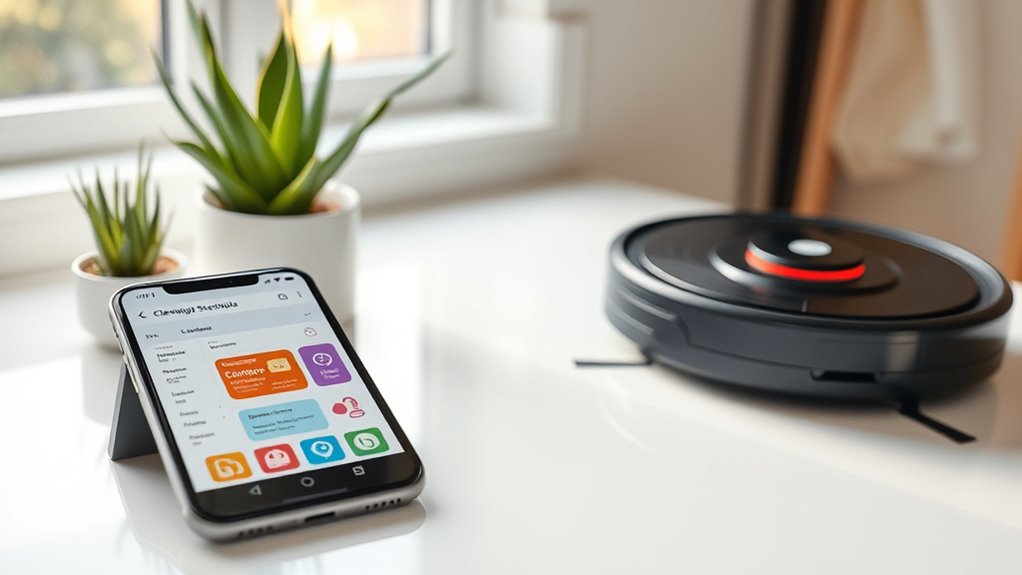
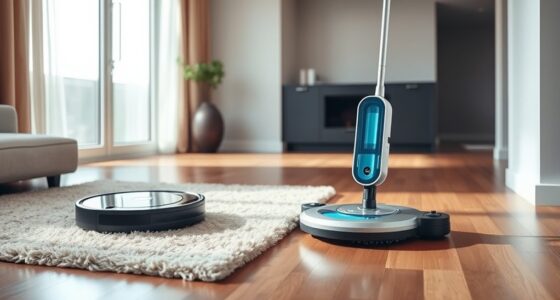
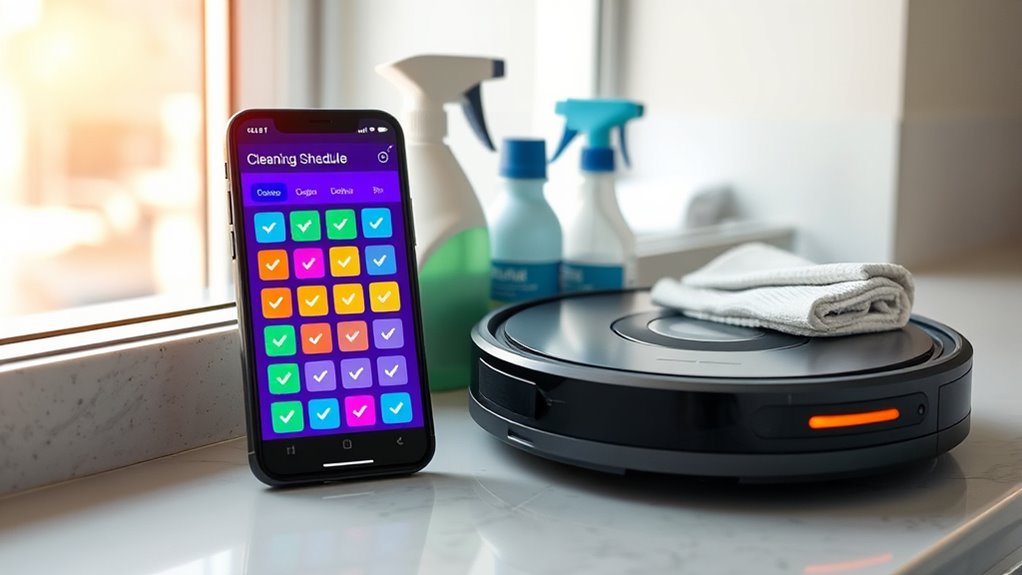
In today’s busy world, managing household chores can feel overwhelming, but smart apps are changing that. With the right app, you can set up efficient cleaning routines that fit seamlessly into your schedule. Imagine having your robot vacuum work automatically without you needing to lift a finger. These apps let you create cleaning schedules tailored to your daily routine, ensuring your home stays tidy without constant effort. Whether you want your robot vacuum to run every morning, after dinner, or during your work hours, you can easily program it through a user-friendly interface. This means less time spent manually starting and stopping cleaning devices and more time for yourself.
When you set up cleaning schedules through a smart app, you gain control and flexibility. You can customize the frequency and specific areas to be cleaned, whether it’s the living room, kitchen, or bedrooms. This personalized approach ensures your home stays fresh and hygienic without overdoing it. Plus, many apps allow you to adjust settings remotely, so if you forget to start the robot vacuum before leaving, you can do it from your phone. This convenience minimizes the chaos of last-minute cleaning and helps you stay on top of household maintenance effortlessly.
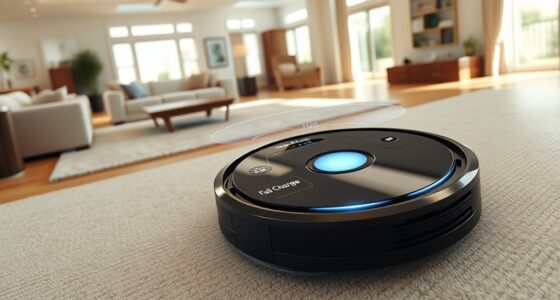
Another benefit is the ability to monitor your robot vacuum’s progress and status in real time. The app provides updates on cleaning routes, battery life, and any issues that might arise. If your vacuum encounters an obstacle or needs a quick maintenance check, you’re notified instantly. This proactive feature prevents small problems from becoming bigger ones and ensures your cleaning schedules stay on track. Additionally, many smart apps integrate with voice assistants, allowing you to start, pause, or schedule cleanings with simple voice commands. This hands-free control makes managing your home even easier.
Furthermore, integrating smart apps with retail hours information can help you plan your cleaning routines around store opening times, ensuring you’re available for any necessary in-store purchases or consultations when needed.
robot vacuum with scheduling app
As an affiliate, we earn on qualifying purchases.
As an affiliate, we earn on qualifying purchases.
Frequently Asked Questions
How Secure Is My Data in Smart Cleaning Apps?
Your data in smart cleaning apps is generally secure, but it depends on the app’s data encryption and privacy policies. Reputable apps use data encryption to protect your information from unauthorized access. Always review privacy policies to understand how your data is stored and used. You can enhance security by choosing apps with strong encryption standards and transparent privacy policies, giving you better control over your personal information.
Can Multiple Users Access and Modify Routines Simultaneously?
Think of your smart cleaning app like a busy kitchen with multiple chefs. Yes, multiple users can access and modify routines simultaneously, allowing for seamless multi-user access and simultaneous control. This means everyone can update schedules or start tasks without waiting in line. Just guarantee your app supports this feature, so the chaos stays in the kitchen and not in your cleaning routines.
What Should I Do if the App Crashes During Scheduling?
If the app crashes during scheduling, first, try app crash troubleshooting by closing and reopening it. Make certain your device’s software is updated. If the problem persists, restart your device. You might also want to clear the app cache or reinstall it. Once resolved, check your routines and perform routine rescheduling if needed. Keeping your app and device updated helps prevent future crashes and ensures smooth scheduling.
Are There Compatibility Issues With Certain Smart Devices?
Yes, compatibility issues can occur with certain smart devices. To prevent problems, check device integration details before connecting new gadgets. Keep your firmware updates current, as they often fix bugs and improve compatibility. If you encounter issues, consult the app’s support or manufacturer’s website for compatibility lists and troubleshooting tips. Staying informed about device updates ensures smooth scheduling and better performance of your smart cleaning routines.
How Often Are App Updates Released for New Features?
You can expect app updates to be released roughly every few weeks or months, depending on the developer’s update schedule. The update frequency varies, with some apps rolling out new features regularly, while others focus on bug fixes and improvements first. During each update, you’ll see a feature rollout that enhances functionality, security, or user experience. Staying connected to notifications guarantees you don’t miss these important, timely updates.
smart home cleaning app
As an affiliate, we earn on qualifying purchases.
As an affiliate, we earn on qualifying purchases.
Conclusion
Now that you know how smart apps can simplify your cleaning schedule, why not give them a try? They make it easy to stay organized and keep your space tidy without the hassle. Imagine coming home to a clean house, all thanks to a few taps on your phone. Isn’t it time you took control of your cleaning routine and enjoyed a more effortless, stress-free environment? Start today and see the difference it makes!
voice-controlled robot vacuum
As an affiliate, we earn on qualifying purchases.
As an affiliate, we earn on qualifying purchases.
remote control robot vacuum
As an affiliate, we earn on qualifying purchases.
As an affiliate, we earn on qualifying purchases.