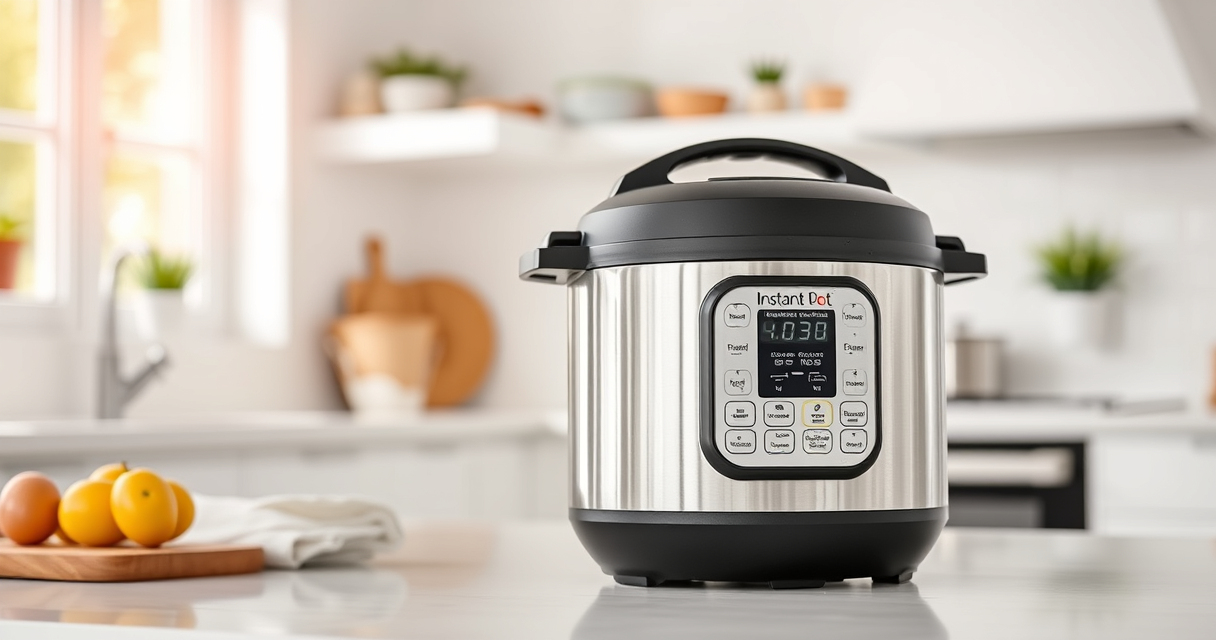

If your Instant Pot displays a burn error message, it can be frustrating and halt your cooking process. This guide will help you understand the common causes of this error and provide simple, safe steps to resolve it quickly. Proper troubleshooting can save you time and prevent potential damage to your device.

Get home appliances delivered free with Prime
- Fast, free delivery on millions of items
- Prime Video, Amazon Music and more included
- Member-only deals all year
Follow these clear instructions to identify the problem, fix it, and get back to enjoying your delicious meals with confidence.
Key Takeaways
| Common Causes | Burn errors often occur due to food sticking, overfilling, or improper sealing. |
| Prevention Tips | Maintain clean sealing rings, avoid overfilling, and follow recipe instructions carefully. |
| Step-by-Step Fixes | Simple troubleshooting steps can resolve most burn errors without professional help. |
| Safety First | Always unplug and allow the Instant Pot to cool before cleaning or inspecting. |
Identify the Cause of the Burn Error
- Check the display message on your Instant Pot for a burn alert.
- Open the lid carefully after the unit cools down.
- Inspect the inner pot and sealing ring for food residue or damage.
Clean the Inner Pot and Sealing Ring
- Remove the inner pot and wash it thoroughly with warm, soapy water.
- Clean the sealing ring and lid to remove any food particles or grease buildup.
- Ensure the sealing ring is properly seated and not damaged or deformed.
Check for Proper Sealing and Overfilling
- Ensure the sealing ring is correctly in place and snug.
- Do not fill the inner pot beyond the MAX fill line indicated in your recipe.
- Remove any food stuck on the bottom of the inner pot that could cause burning.
Adjust Cooking Settings and Restart
- Close the lid securely, ensuring the steam release valve is in the ‘Sealing’ position.
- Cancel the current cycle and select a new cooking program if necessary.
- Start the cooking process again and monitor for any issues.
Additional Tips and Warnings
Always follow the manufacturer’s instructions for your specific Instant Pot model. Use enough liquid as recommended in your recipes to prevent burning. Avoid using metal utensils that could damage the inner surface. If the burn error persists after cleaning and adjusting, consult the user manual or contact customer support.
The Products in This Guide

Instant Pot 4QT RIO Mini 7-in-1 Multi-Cooker
- ✔ Capacity: 4 Quarts
- ✔ Functions: 7-in-1
- ✔ Size: Compact

AOZITA Steamer Basket
- ✔ Material: Stainless Steel
- ✔ Capacity: Two Tiers
- ✔ Compatibility: 6 & 8 Quart
Instant Pot 4QT RIO Mini 7-in-1 Multi-Cooker
The Instant Pot 4QT RIO Mini 7-in-1 Multi-Cooker offers versatile cooking in a compact size, perfect for small households. It includes a pressure cooker, slow cooker, sauté, steam, rice maker, yogurt maker, and warmer, all in one device.
Pros:
- Space-saving design
- 7-in-1 functionality
- Easy to monitor cooking progress
- Great for small servings
Cons:
- Limited capacity for larger families
- Learning curve for new users
- No advanced programming features
Best for: Small families, singles, students
Not ideal for: Large meal prep or big families
Bottom line: A versatile, space-efficient pressure cooker ideal for small-scale cooking.
AOZITA Steamer Basket
The AOZITA Steamer Basket enhances your Instant Pot experience by allowing you to cook multiple dishes simultaneously with its two-tier design, perfect for efficient meal prep.
Pros:
- Two-tier stackable design
- Made of durable stainless steel
- Compatible with 6 and 8 quart models
- Easy to clean
Cons:
- Adds extra step for cleaning
- Requires extra space inside the pot
- Not suitable for very small models
Best for: Steaming vegetables, seafood, and multi-step recipes
Not ideal for: For users who prefer single-layer steaming
Bottom line: A practical accessory to expand your Instant Pot’s versatility.
Frequently Asked Questions
What causes the burn error on my Instant Pot?
The burn error usually occurs due to food sticking to the bottom, overfilling, or insufficient liquid in the inner pot.
How can I prevent the burn error from happening?
Ensure the inner pot is clean, do not overfill, and add enough liquid as per recipe instructions. Also, check that the sealing ring is properly seated.
Is it safe to continue cooking after a burn error?
Yes, but only after cleaning the pot thoroughly and ensuring no food residue is causing the issue. Always unplug and cool the device before inspecting.
Can I use metal utensils with my Instant Pot?
It’s best to use silicone, wood, or plastic utensils to avoid damaging the non-stick surface of the inner pot.
Keep Your Instant Pot Cooking Smoothly
Understanding the common causes of the burn error and following proper cleaning and filling procedures can help you prevent it from happening. Regular maintenance and cautious use ensure your Instant Pot remains a reliable kitchen companion. With a bit of troubleshooting, you can quickly resolve issues and get back to preparing delicious meals effortlessly.
Affiliate disclosure: As an Amazon Associate we earn from qualifying purchases. Prices and availability are accurate as of the time of publishing.
Fall Picks
fall essentials
As an affiliate, we earn on qualifying purchases.