If your Dyson V15 Detect™ Origin Cordless Vacuum isn’t holding a charge or the battery drains quickly, it can be frustrating. Battery problems are common but fixable with some troubleshooting and maintenance. This guide walks you through precise, safe steps to extend your vacuum’s battery life and restore its cleaning power.
Before starting, ensure your vacuum is turned off and unplugged if applicable. Regularly replacing filters and keeping the cleaner heads clean can also help improve overall battery efficiency.
Key Takeaways
| Battery Age | Older batteries tend to lose capacity over time and may need replacement. |
| Filter Maintenance | Clogged filters reduce airflow and can strain the motor, affecting battery life. |
| Cleaning Heads | Blocked or dirty cleaner heads can cause the vacuum to work harder, draining the battery faster. |
| Battery Replacement | In some cases, replacing the battery is the best solution for persistent power issues. |
Amazon Product B0GTC14BFW
As an affiliate, we earn on qualifying purchases.
Check and Clean the Filters
- Remove the pre-filters and main filters from your Dyson V15. Refer to your user manual if needed.
- Wash the filters with water, ensuring they are thoroughly rinsed and free of debris.
- Let the filters air dry completely for at least 24 hours before reinstalling.
- Replace the filters and see if battery performance improves.
Amazon Product B099RHWXJK
As an affiliate, we earn on qualifying purchases.
Inspect the Battery and Connections
Ensure the battery is properly seated and connected. If your model allows, remove the battery and check for corrosion or damage. Clean contacts gently with a dry cloth. Reinstall securely.
Reduce Power Usage During Cleaning
- Switch to a lower power mode if available, as high modes drain the battery faster.
- Limit the use of extended cleaning sessions on a single charge.
- Use the LCD screen to monitor remaining run time and adjust accordingly.
Replace the Battery (If Necessary)
If your battery is old or no longer holds a charge, consider replacing it. Use a compatible replacement or consult Dyson support for authentic parts.
Additional Tips for Longer Battery Life
- Store your vacuum in a cool, dry place to prevent battery degradation.
- Avoid letting the battery completely drain before recharging.
- Perform regular maintenance like cleaning the cleaner heads and filters.
The Products in This Guide

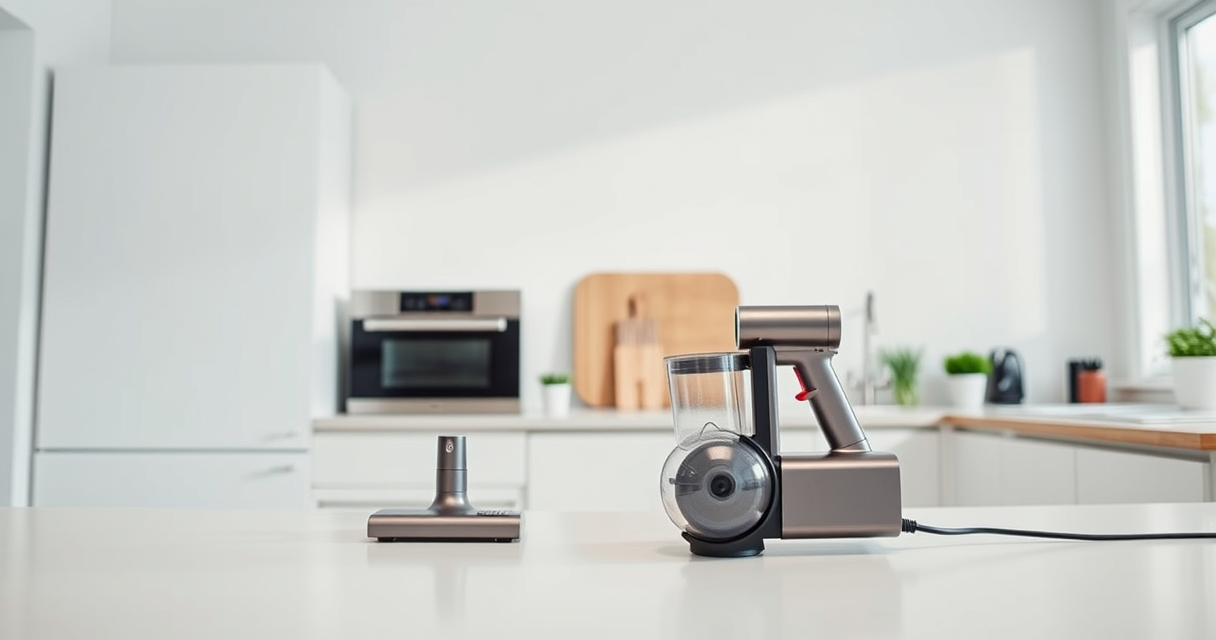
Dyson V15 Detect™ Origin Cordless Vacuum
- ✔ Battery Life: Up to 60 mins
- ✔ Weight: Less than 7 lbs
- ✔ Charging Time: 3.5 hours

LANMU Crevice Tool Vacuum Attachments Compatible
- ✔ Material: Plastic
- ✔ Compatibility: Multiple Dyson models
- ✔ Length: 16 inches
Dyson V15 Detect™ Origin Cordless Vacuum
The Dyson V15 Detect™ Origin offers powerful suction, intelligent debris detection, and long-lasting battery life. Proper maintenance can significantly extend its battery performance, ensuring optimal cleaning sessions.
Pros:
- Powerful suction
- Intelligent debris detection
- Long 60-minute runtime
- Includes advanced cleaner heads
Cons:
- Battery aging can reduce run time
- Filters require regular cleaning
- Replacement batteries may be costly
Best for: Homeowners needing deep, versatile cleaning with smart features
Not ideal for: Users with very old batteries or those seeking budget options
Bottom line: Regular maintenance and potential battery replacement can keep your Dyson V15 performing at its best.
LANMU Crevice Tool Vacuum Attachments Compatible
The LANMU Crevice Tool Vacuum Attachments are compatible with various Dyson models, including the V15. Its slim design makes it easy to reach into tight corners, helping you remove debris efficiently and reducing strain on the motor, which can help prolong battery life.
Pros:
- Narrow, flexible nozzle
- Compatible with many Dyson models
- Easy to maneuver
- Great for cars and corners
Cons:
- May not fit older or non-Dyson models
- No additional attachments included
- Requires careful handling
Best for: Cleaning tight spaces, corners, and upholstery
Not ideal for: Heavy-duty deep cleaning or large debris collection
Bottom line: A helpful accessory for more precise, hard-to-reach cleaning, reducing strain on your vacuum’s battery.
Frequently Asked Questions
How often should I replace the filters on my Dyson V15?
It’s recommended to wash and dry the filters every 1-3 months, and replace them every 6-12 months for optimal performance.
Can I upgrade my Dyson battery?
Some models allow battery replacements. Check with Dyson support or authorized parts suppliers to ensure compatibility.
Why does my vacuum battery drain so quickly?
Possible causes include clogged filters, dirty cleaner heads, an aging battery, or extended use in high power modes. Regular maintenance can help.
Is it safe to open the battery compartment myself?
If your vacuum’s battery is removable, follow official instructions carefully. Do not attempt to open or repair the battery if it is sealed, as it can be hazardous.
Keep Your Dyson V15 Detect Performing Like New
By following these troubleshooting steps and performing regular maintenance, you can significantly extend the battery life of your Dyson V15 Detect™ Origin. Remember, replacing the filters, cleaning the cleaner heads, and inspecting the battery connections are key to maintaining optimal performance. If all else fails, a genuine replacement battery might be your best investment for prolonged power and cleaning efficiency.
Affiliate disclosure: As an Amazon Associate we earn from qualifying purchases. Prices and availability are accurate as of the time of publishing.