If your Dyson V15 Detect™ Origin Cordless Vacuum isn’t providing suction, it can be frustrating. This issue often stems from simple, fixable causes such as clogs, dirty filters, or blockages. Following these clear, step-by-step troubleshooting tips will help restore your vacuum’s powerful performance safely and efficiently.
Regular maintenance and understanding common issues can keep your Dyson operating at peak capacity, ensuring thorough cleaning every time.
Key Takeaways
| Clog or Blockage | Most suction problems are caused by blockages or clogs in the wand, hose, or cleaner head. |
| Dirty Filters | Filters that are dirty or clogged reduce airflow, impairing suction. |
| Full Bin | A full dustbin can restrict airflow; empty it regularly. |
| Loose Connections | Ensure all attachments and connections are secure. |
Amazon Product B0GTC14BFW
As an affiliate, we earn on qualifying purchases.
Check for Blockages
- Turn off and unplug the vacuum for safety.
- Detach the wand and cleaner head from the main body.
- Inspect the wand, hose, and cleaner head for obstructions or debris.
- Remove any blockages carefully using a long, thin object if needed.
- Reassemble and test the vacuum to see if suction improves.
Amazon Product B099RHWXJK
As an affiliate, we earn on qualifying purchases.
Clean or Replace Filters
- Remove the pre-filters and main filters as instructed in the user manual.
- Rinse the filters with cold water until clear, avoiding soap or detergents.
- Allow filters to air dry completely (at least 24 hours) before reinstalling.
- Replace filters if they are damaged or excessively dirty.
- Power on the vacuum and check for restored suction.
Empty the Dustbin
Ensure the dustbin isn’t full, as a full bin can hinder airflow. Detach the bin, empty it into a trash bag, and reattach securely. Then, test the vacuum to see if the suction has improved.
Check Attachments and Connections
Make sure all attachments, such as the crevice tool or cleaner heads, are firmly connected. Loose or improperly attached parts can cause loss of suction. Secure all connections and try cleaning again.
Perform a Reset
- Turn off the vacuum and remove the battery if possible (refer to your manual).
- Wait for 30 seconds, then reassemble and reconnect the battery.
- Turn on the vacuum to see if suction is restored.
The Products in This Guide

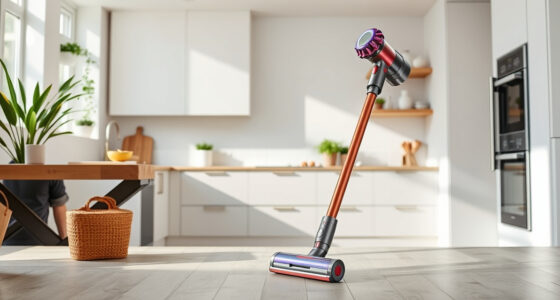
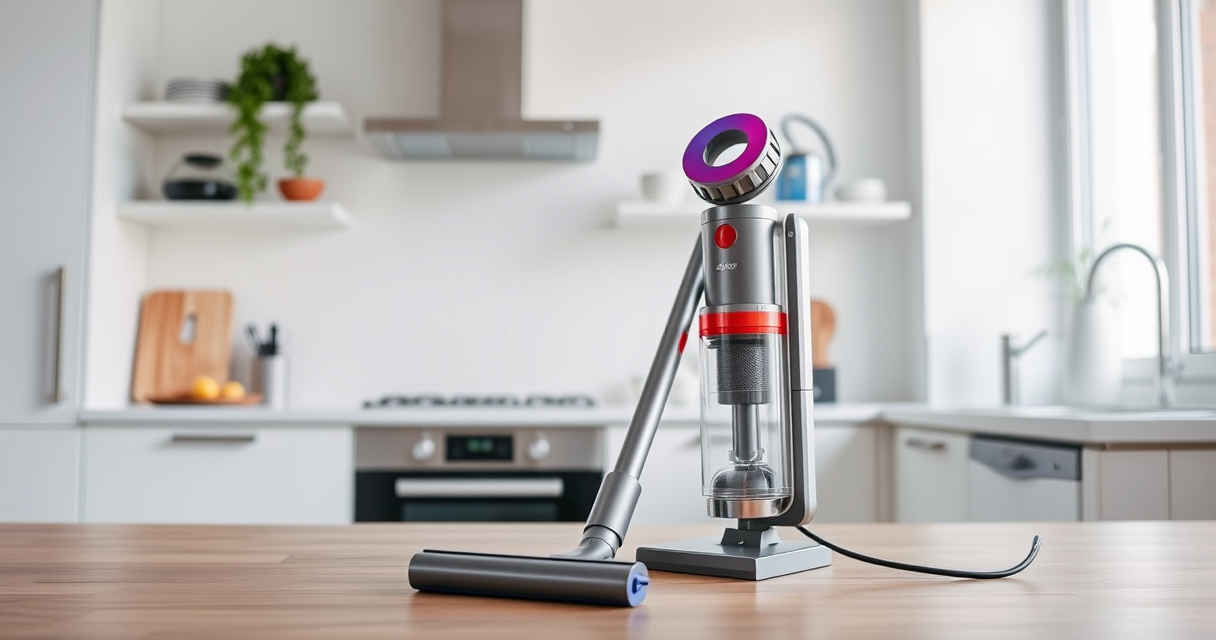
Dyson V15 Detect™ Origin Cordless Vacuum
- ✔ Battery Life: 60 mins
- ✔ Filter Type: HEPA
- ✔ Noise Level: Approx. 82dB

LANMU Crevice Tool Vacuum Attachments Compatible
- ✔ Nozzle Width: 1.2 inches
- ✔ Weight: 0.3 lbs
- ✔ Color: Black/Gray
Dyson V15 Detect™ Origin Cordless Vacuum
The Dyson V15 Detect™ Origin Cordless Vacuum offers impressive cleaning with 100% more power and intelligent features such as detecting invisible dust and adapting power based on debris. Its LCD screen provides real-time updates, making maintenance and troubleshooting easier.
Regularly checking filters, clearing blockages, and ensuring proper connections will keep this vacuum performing at its best.
Pros:
- Powerful suction
- Intelligent dust detection
- Long battery life
- Versatile cleaning modes
Cons:
- Filters may need frequent cleaning
- Can be heavy for prolonged use
- Price point
Best for: Whole-home deep cleaning, pet hair removal, hard-to-reach areas
Not ideal for: Light cleaning tasks or small apartments
Bottom line: The Dyson V15 Detect™ Origin provides powerful, intelligent cleaning for your entire home.
LANMU Crevice Tool Vacuum Attachments Compatible
This versatile crevice tool attachment is compatible with various Dyson models, including the V15 Detect. Its slim and flexible design makes it ideal for reaching tight corners, edges, and hard-to-access spots in your home or car.
Adding this attachment can significantly improve your cleaning efficiency in narrow spaces.
Pros:
- Narrow nozzle for tight spots
- Compatible with many Dyson models
- Easy to maneuver
- Durable build
Cons:
- Requires separate purchase
- May be too slim for larger debris
- Not compatible with V6 models
Best for: Cleaning corners, baseboards, car interiors
Not ideal for: Large debris or deep cleaning tasks
Bottom line: A practical accessory to reach and clean tight spaces effortlessly.
Frequently Asked Questions
Why is my Dyson vacuum losing suction?
Loss of suction can be caused by clogs, dirty filters, a full dustbin, or loose connections. Troubleshooting these areas usually restores performance.
How often should I clean the filters?
It’s recommended to rinse the filters every 1-3 months, depending on usage, and let them air dry completely before reinstallation.
Can I use any filters with my Dyson?
Only filters compatible with your specific Dyson model should be used. Refer to the user manual or compatible replacement filters listed for your model.
What should I do if the vacuum still has no suction after troubleshooting?
If issues persist, contact Dyson customer support or consider professional servicing, as there may be internal motor or component issues.
Keep Your Dyson V15 Detect™ in Peak Condition
Regular maintenance, such as cleaning filters, inspecting for blockages, and ensuring secure connections, will keep your Dyson vacuum performing at its best. Troubleshooting no suction is often straightforward and can save you time and money, ensuring your home stays spotless with minimal hassle.
Affiliate disclosure: As an Amazon Associate we earn from qualifying purchases. Prices and availability are accurate as of the time of publishing.