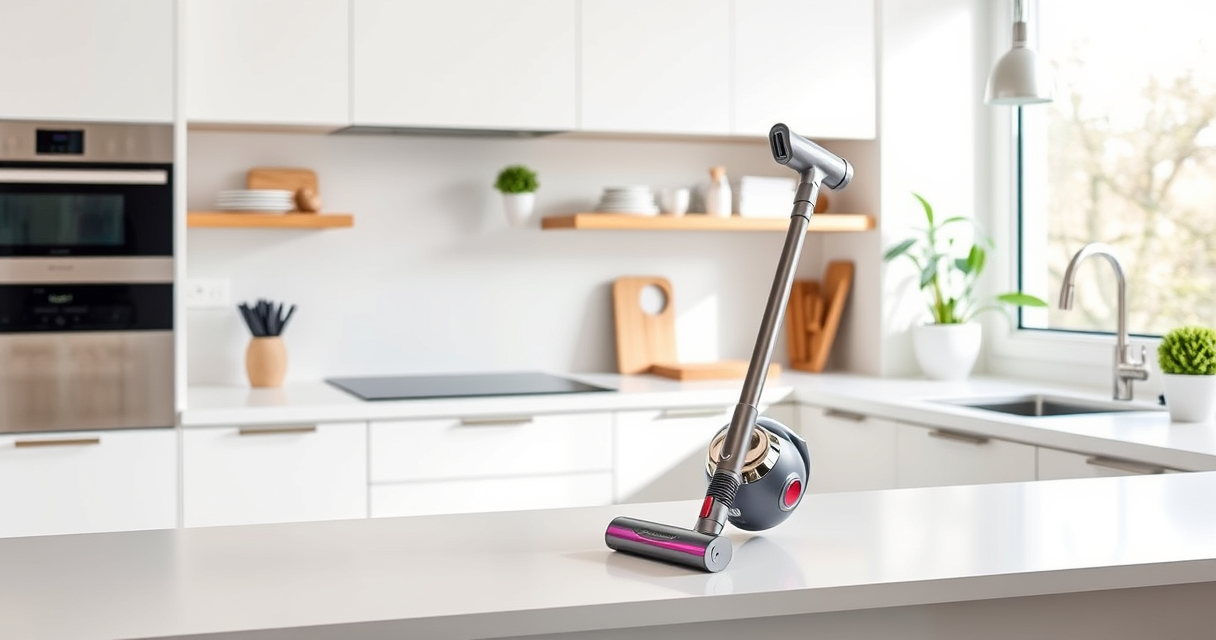

If your Dyson V15 Detect™ Origin Cordless Vacuum is pulsing on and off during cleaning, it can be frustrating and hinder your cleaning efficiency. This issue often points to a blockage, dirty filters, or battery connection problems. Fortunately, many of these problems are fixable with basic troubleshooting steps. In this guide, you’ll learn practical, safe methods to identify and resolve the pulsing issue, helping your vacuum run smoothly again.

Get home appliances delivered free with Prime
- Fast, free delivery on millions of items
- Prime Video, Amazon Music and more included
- Member-only deals all year
Before beginning, ensure your vacuum is turned off and unplugged or disconnected from charging to prevent any accidents. Gather any replacement filters or attachments if needed, and follow each step carefully for the best results.
Key Takeaways
| Identify common causes | Blockages, dirty filters, or battery issues often cause pulsing. |
| Check and clean filters | Dirty pre-filters or filters can restrict airflow and cause pulsing. |
| Inspect for blockages | Clear blockages from the wand, cleaner head, and hose. |
| Ensure proper battery connection | Loose connections can lead to power fluctuations. |
| Replace worn filters | New filters restore optimal airflow and performance. |
Step 1: Power Off and Prepare
- Ensure the vacuum is turned off and unplugged from the charger.
- Remove the cleaner head and detach the wand for easier access.
Step 2: Check for Blockages
Inspect the wand, hose, and cleaner head for any debris or obstructions. Remove any visible blockages carefully to restore airflow.
Step 3: Clean or Replace Filters
- Remove the pre-filter and main filter from the vacuum.
- Wash the filters with water and let them air dry completely (at least 24 hours).
- If filters are worn or damaged, replace them with compatible filters like the 3Pack Pre Filters or V10 Filters.
Step 4: Check Battery and Connections
Inspect the battery connection points for any loose or damaged contacts. Ensure the battery is seated properly and there are no visible signs of damage.
Step 5: Test and Reset
Reassemble the vacuum, turn it on, and see if the pulsing persists. If it does, perform a soft reset by holding the power button for 10 seconds, then turning it back on. If issues remain, consider replacing filters or contacting Dyson support.
The Products in This Guide

Dyson V15 Detect™ Origin Cordless Vacuum
- ✔ Weight: 6.8 lbs
- ✔ Charging Time: 3.5 hours
- ✔ Filter Replacement Interval: every 2-3 months

LANMU Crevice Tool Vacuum Attachments Compatible
- ✔ Nozzle Width: 1.2 inches
- ✔ Extension Length: up to 20 inches
- ✔ Material: Plastic and silicone
Dyson V15 Detect™ Origin Cordless Vacuum
The Dyson V15 Detect™ Origin is a powerful and intelligent cordless vacuum designed for whole-home deep cleaning. Its advanced features, including an LCD screen and multiple cleaning heads, make maintenance and troubleshooting straightforward. When pulsing issues occur, regular filter checks and blockage removal can often restore optimal function.
Pros:
- Powerful suction
- Intelligent debris detection
- Long battery life
- Multiple cleaning heads
Cons:
- Can be heavy for some users
- Filters need regular cleaning
- Price point on the higher side
Best for: Deep cleaning homes with pet hair and fine dust
Not ideal for: Light-duty or quick cleanups
Bottom line: Regular maintenance can prevent pulsing issues and extend your vacuum’s lifespan.
LANMU Crevice Tool Vacuum Attachments Compatible
The LANMU Crevice Tool Vacuum Attachments are compatible with various Dyson models and help reach tight areas. Using such attachments can assist in clearing blockages that may cause pulsing, especially in hard-to-access spots.
Pros:
- Narrow, flexible nozzle
- Compatible with multiple Dyson models
- Easy to attach and use
- Great for corners and crevices
Cons:
- Additional accessory needed
- May not fit all Dyson models
- Requires cleaning after use
Best for: Cleaning tight corners, car interiors, and hard-to-reach spots
Not ideal for: Large debris or deep cleaning tasks
Bottom line: A versatile tool that helps access hard-to-reach areas and reduce blockages.
Frequently Asked Questions
Why does my Dyson vacuum pulse on and off?
This usually indicates a blockage, dirty filters, or a loose connection. Cleaning filters and checking for obstructions often resolves the issue.
How often should I replace filters?
Filters should be washed every 2-3 months and replaced if damaged or worn out to maintain optimal performance.
Can I fix the pulsing myself?
Yes, many issues like blockages and dirty filters can be fixed easily at home. However, if the problem persists, contacting Dyson support is recommended.
Is it safe to wash the filters?
Yes, most Dyson filters are washable. Just rinse them with water and let them air dry completely before reinserting.
Keep Your Dyson Running Smoothly with Simple Maintenance
By following these troubleshooting steps, you can often resolve the pulsing issue yourself, saving time and money. Regularly cleaning filters, checking for blockages, and ensuring proper connections will help maintain your vacuum’s performance. If problems persist despite these efforts, consider reaching out to Dyson support or replacing worn filters to restore full power and efficiency.
Affiliate disclosure: As an Amazon Associate we earn from qualifying purchases. Prices and availability are accurate as of the time of publishing.
Halloween Picks
halloween
As an affiliate, we earn on qualifying purchases.