
TL;DR
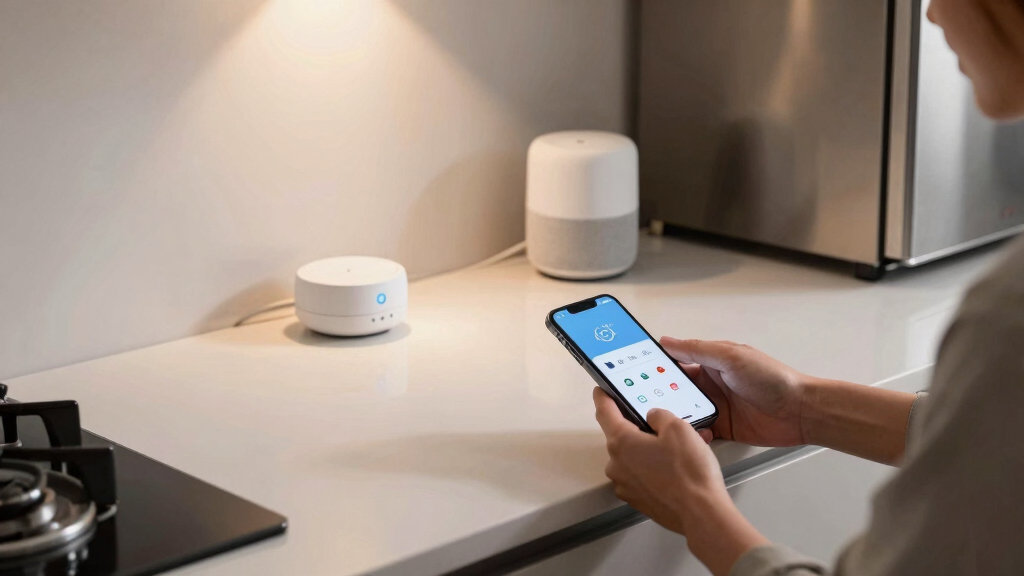
Apple Home users can now leverage 10 key hacks to improve automation, safety, and convenience. These include enabling critical alerts, customizing Control Center, and creating weather-based automations.
Apple Home users can now implement 10 proven hacks to enhance their smart home experience, including safety alerts, automation customization, and device management. These tips, drawn from recent expert guides, help users get more from their connected devices and improve safety and convenience.
One of the key features highlighted is enabling Critical Alerts for emergency notifications, which can break through Silent and Do Not Disturb modes to notify users of safety risks like smoke or carbon monoxide detection. To activate, users should go to Settings > Notifications > Home and toggle on Critical Alerts, ensuring permissions are set correctly in relevant apps.
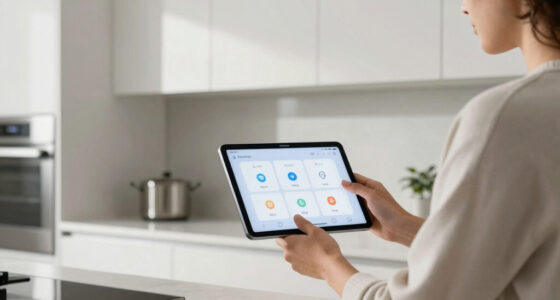
Another useful tip involves customizing the Control Center to pin frequently used scenes and accessories. Users can long-press the Control Center, select Home control, and add or remove scenes to streamline access to their most-used automations. This makes controlling devices faster and more personalized.
Additionally, users can split device sensors into multiple tiles to create more targeted automations. For example, motion sensors with multiple functions can be managed separately, allowing for specific actions like opening smart shades based on ambient light or controlling a fan based on temperature readings.
Smart timers can also be set up within automations to turn off devices after a certain period, reducing energy waste and manual intervention. This involves creating a sensor-based automation that turns off a device after a preset timeout, useful for lights or appliances controlled by motion sensors.
Beyond device control, automations responding to weather conditions can be created using Shortcuts. Users can set up routines that adjust blinds or heating based on outdoor weather, such as keeping shades open on cloudy days or activating heating when it’s cold outside.
Creative uses include programming smart bulbs to act as silent intercoms, flashing on and off to get attention without noise, and using motion sensors to seamlessly transition audio between speakers when moving between rooms. These automation tricks enhance household communication and entertainment experience.
Why These Hacks Elevate Your Apple Home Experience
Implementing these 10 hacks allows users to maximize safety, convenience, and automation efficiency in their smart homes. Enabling critical alerts ensures safety risks are promptly communicated, even during silent modes. Customizing Control Center and automations streamlines daily routines, saving time and effort. Weather-based automations and creative device uses expand the functional potential of Apple HomeKit, making homes smarter and more responsive to individual needs.
Apple HomeKit critical alerts device
As an affiliate, we earn on qualifying purchases.
As an affiliate, we earn on qualifying purchases.
Recent Developments in Apple Home Automation Tips
Apple has consistently updated its HomeKit platform, adding features like Critical Alerts and improved automation options. Recent guides from tech experts and platforms like Lifehacker have compiled practical tips to help users exploit these features fully. As smart home adoption grows, such user-centric advice becomes essential for maximizing device utility and safety.
“Apple’s critical alerts feature allows emergency notifications to break through silent modes, ensuring safety risks are immediately communicated.”
— Lifehacker
smart home automation control center
As an affiliate, we earn on qualifying purchases.
As an affiliate, we earn on qualifying purchases.
Unconfirmed or Developing Aspects of Apple Home Hacks
While these tips are based on current platform features and expert advice, some automations, especially complex weather-based routines, may vary in reliability depending on device compatibility and firmware updates. Additionally, user experiences with custom automations can differ, and some features might require specific device models or app versions that are not universally available.
Apple Home compatible motion sensors
As an affiliate, we earn on qualifying purchases.
As an affiliate, we earn on qualifying purchases.
Future Updates and User Tips for Apple Home Automation
Apple is expected to continue enhancing HomeKit capabilities, potentially adding more automation options and safety features. Users should stay updated with the latest iOS and firmware releases. Tech experts recommend experimenting with new automations and sharing best practices within user communities to maximize the platform’s potential.
weather-based smart home automation
As an affiliate, we earn on qualifying purchases.
As an affiliate, we earn on qualifying purchases.
Key Questions
Can I enable critical alerts on all my Apple devices?
Critical alerts can be enabled on compatible devices through Settings > Notifications > Home. Ensure your device supports this feature and permissions are correctly configured.
How do I split sensors into multiple tiles in HomeKit?
Long-press the device in the Home app, select Accessory Settings, and choose Show as Separate Tiles if available. This allows for more targeted automation based on individual sensors.
Are weather-based automations reliable in all regions?
Reliability depends on your device’s firmware and the accuracy of weather data. Some automations may require fine-tuning or specific device compatibility.
Can I customize Control Center for multiple scenes?
Yes, long-press Control Center, select Home control, and add or remove scenes to tailor your quick access options.
What safety precautions should I take when automating devices?
Always ensure devices are properly configured, firmware is up to date, and automations are tested carefully to avoid unintended actions or safety risks.
Source: Lifehacker