TL;DR
Listen free for 30 days with Audible
Thousands of audiobooks and originals — cancel anytime.
Start your free trialAs an affiliate, we earn on qualifying purchases.
This article outlines 10 verified tips for Apple Home users to improve automation, safety, and device management. These hacks include enabling critical alerts, customizing scenes, and creating weather-based automations.
Apple Home users can now implement 10 practical hacks to enhance safety, automation, and device control, according to recent guidance from tech sources like Lifehacker. These tips include enabling critical alerts, customizing Control Center scenes, and creating weather-responsive automations, offering users more control and security in their smart homes.
Among the confirmed tips, users should enable Critical Alerts to ensure emergency notifications such as smoke or carbon monoxide alarms break through silent modes, as detailed by Apple’s settings guide. To do this, navigate to Settings > Notifications > Home and toggle on Critical Alerts, with additional permissions configured in relevant apps.
Another confirmed tip involves customizing the Control Center. Users can long-press the Home control icon, disable recommended scenes, and add their most-used automations or accessories for quick access, streamlining daily interactions with their smart home.
Additionally, splitting device sensors into multiple tiles allows for more targeted automations—such as opening smart shades based on ambient light or activating fans based on temperature readings from motion sensors. This involves long-pressing the device in the Home app and selecting Show as Separate Tiles.
Users can also set built-in countdown timers for devices, ensuring lights or other appliances turn off automatically after a set period, reducing energy waste and manual intervention. This is configured within automations that detect sensor activity, with options to specify turn-off delays.
Weather-based automations are another confirmed feature, where shortcuts respond to outdoor conditions. For example, shades can open or close depending on sunlight, or heating can be adjusted based on outdoor temperature. These are set up via the Shortcuts app, converting time-based automations into weather-responsive actions.
Creative uses include programming smart bulbs to act as silent intercoms—flashing lights to get family attention without noise—and using motion sensors to switch audio between speakers as people move through rooms, enhancing convenience and security.
Enhanced Safety and Convenience with Apple Home Hacks
Implementing these tips allows users to make their smart homes more responsive, safer, and easier to manage. Enabling critical alerts ensures urgent notifications aren’t missed, which is vital for safety. Custom automations and device management streamline daily routines, saving time and energy. Overall, these hacks deepen the utility of Apple’s Home ecosystem, offering a more personalized and secure smart home experience.
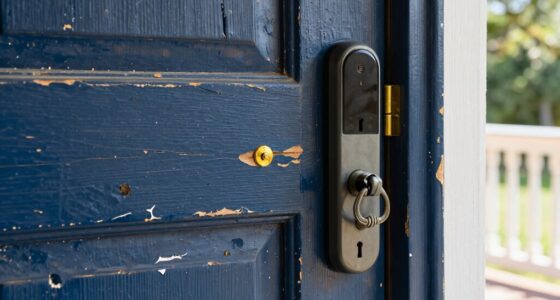
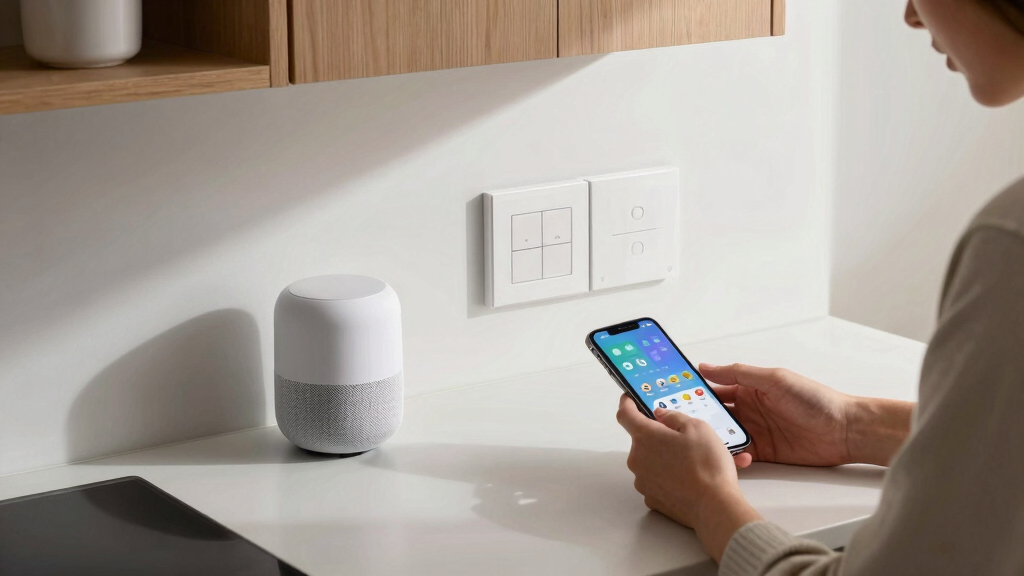
Apple HomeKit smart home automation devices
As an affiliate, we earn on qualifying purchases.
As an affiliate, we earn on qualifying purchases.
Latest Apple Home Features and User Tips
Apple’s Home platform has steadily expanded its capabilities, with recent updates emphasizing safety features like critical alerts and enhanced automation options. Prior to these tips, users often relied on basic automation; now, they can fine-tune device behaviors and notifications for more tailored experiences. These developments follow Apple’s broader push to integrate smart home security and control seamlessly into iOS devices.
“Enabling Critical Alerts ensures that emergency notifications break through silent modes, keeping you informed during urgent situations.”
— Apple Support
As an affiliate, we earn on qualifying purchases.
Remaining Questions About Apple Home Customization
While these tips are confirmed, some advanced automations—such as complex weather-based routines—may require more technical setup and are still evolving. It is not yet clear how well these features integrate across all device types or third-party accessories, and whether future updates will expand automation capabilities further.
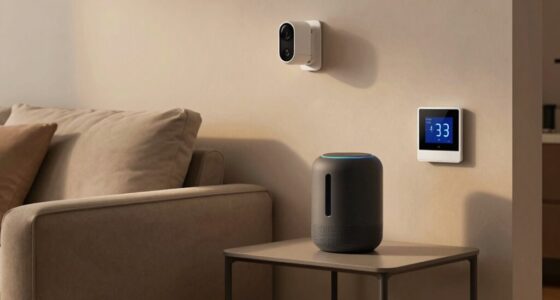
Apple Home compatible smart sensors
As an affiliate, we earn on qualifying purchases.
As an affiliate, we earn on qualifying purchases.
Next Steps for Apple Home Users and Updates
Apple is expected to continue improving Home automation features, potentially adding more customization options and integrations. Users should stay updated with iOS and Home app updates, and explore new automation possibilities as they become available. Manufacturers may also release compatible devices that leverage these advanced features for enhanced smart home management.
weather-responsive smart home accessories
As an affiliate, we earn on qualifying purchases.
As an affiliate, we earn on qualifying purchases.
Key Questions
How do I enable Critical Alerts in Apple Home?
Go to Settings > Notifications > Home and toggle on Critical Alerts. Ensure the relevant apps have permission to send these alerts, and configure them as needed.
Can I customize my Control Center scenes easily?
Yes. Long-press the Home control icon in Control Center, disable Use Recommended, and add your preferred scenes or accessories for quick access.
Are weather-based automations reliable?
They work based on current weather data and require setting up Shortcuts to respond to conditions like sunshine or temperature. Effectiveness depends on device sensors and internet connectivity.
What are the benefits of splitting device sensors into multiple tiles?
This allows for more precise automation, such as opening blinds based on light levels or activating fans based on temperature, improving home responsiveness.
Will these tips work with third-party smart home devices?
Many tips are specific to Apple’s native HomeKit ecosystem, but some automations may extend to compatible third-party devices. Compatibility varies, so check device specifications.
Source: Lifehacker
NFL season / tailgating Picks
team gear
As an affiliate, we earn on qualifying purchases.