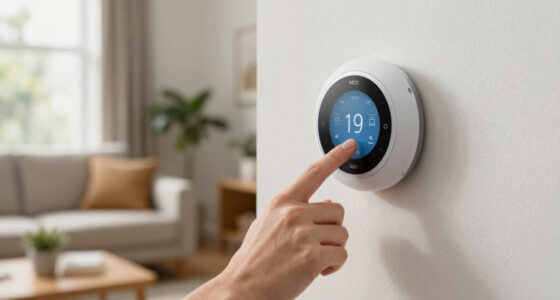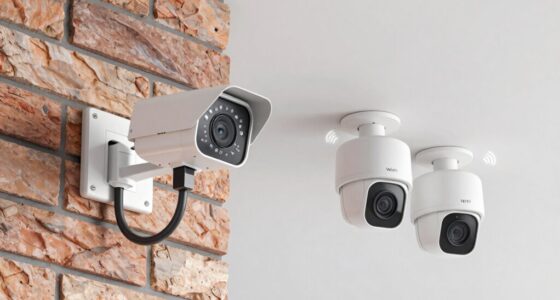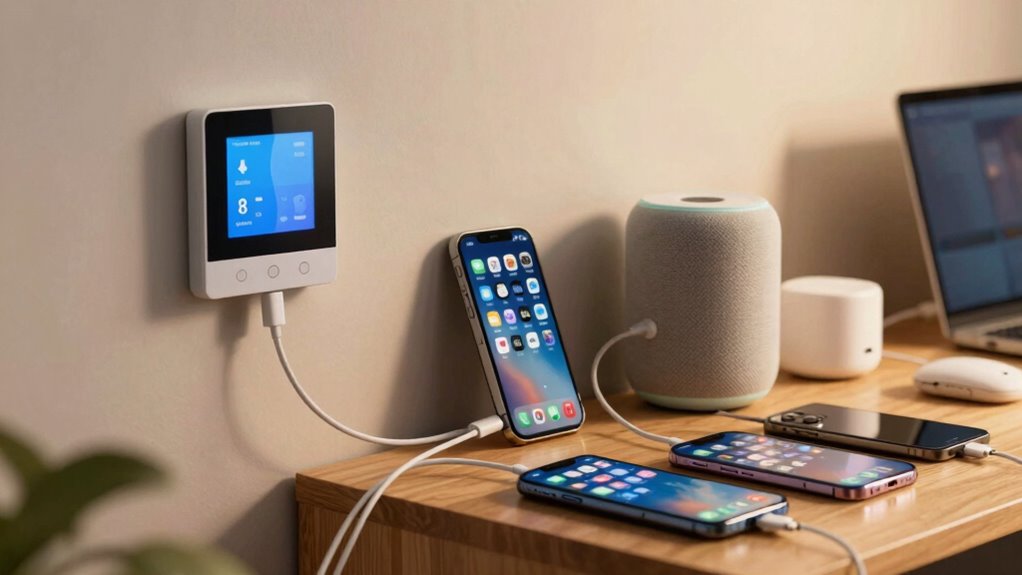

Having too many apps for your smart home can cause chaos and frustration. Different apps create confusion, and their inconsistent interfaces make device management harder. Compatibility issues and the need for frequent updates can lead to unreliability or security gaps. Managing multiple apps also risks bugs and system breakdowns. All this fragmentation can ruin your smart home experience. Keep going to discover how streamlining your setup can restore harmony and ease your life.
Open a free Amazon Business account
Business pricing, bulk buying and tax-exempt orders.
As an affiliate, we earn on qualifying purchases.
Key Takeaways
- Multiple apps cause confusion, making device management complex and frustrating for users.
- Fragmented apps lead to compatibility issues, limiting device interoperability and reliable responses.
- Managing numerous app updates increases maintenance efforts and risks introducing bugs or security vulnerabilities.
- Diverse control platforms expand attack surfaces, weakening overall smart home security.
- Lack of a unified interface reduces system reliability and diminishes user trust in the smart home ecosystem.
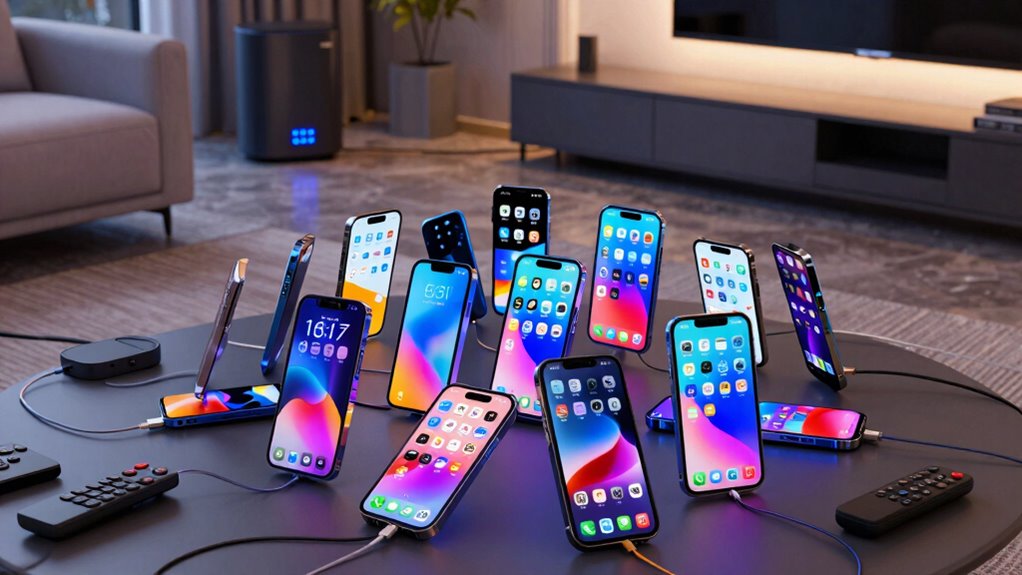
As smart homes become more advanced, the proliferation of apps designed to control various devices is quickly turning into a headache. You find yourself juggling multiple apps, each tailored for specific gadgets or brands, which often leads to confusion and frustration. The user interface of these apps can vary wildly—some are clunky, others overly complicated—making it difficult to navigate and manage your devices smoothly. When every device has its own app, you’re left toggling between several screens, trying to remember which app controls what, and that’s before considering whether each app integrates well with your overall system. This fragmentation hampers your ability to enjoy a cohesive smart home experience.
Device compatibility becomes another major hurdle. Many apps only work with certain brands or models, forcing you to choose between sticking with a limited ecosystem or risking issues with interoperability. If you’ve invested in a range of smart devices from different manufacturers, you might discover that some apps don’t support all your gadgets seamlessly. This incompatibility can result in devices that don’t respond reliably, or require cumbersome workarounds like third-party integrations or external hubs. The more apps you add, the more complicated your setup becomes, often defeating the initial goal of a streamlined, easy-to-control smart home. Additionally, device interoperability is essential for a truly cohesive experience, but it’s often lacking in fragmented app ecosystems. Incorporating standardized protocols can help bridge compatibility gaps, but such solutions are not yet universally adopted. Recognizing the importance of interoperability can guide you toward selecting compatible devices and apps from the start.
Device compatibility issues force reliance on workarounds, complicating setups and undermining the smart home experience.
Moreover, managing multiple apps increases the risk of software conflicts or outdated firmware. Each app needs to be updated regularly to keep up with security patches and new features, but juggling updates across various platforms can be a hassle. If one app isn’t updated, it might cause other devices to malfunction or become unresponsive. This constant maintenance can be overwhelming, especially when you’re trying to automate routines or set schedules that span multiple devices. Additionally, software updates can sometimes introduce bugs or new issues that disrupt your system’s stability, further complicating management. The chaos of incompatible updates and unreliable controls makes it harder to trust your smart home system.
In addition, the fragmentation of control platforms can lead to decreased security, as outdated or unsupported apps become vulnerable to cyber threats. Ultimately, the more apps you have, the less streamlined your experience becomes. You may start out with the best intentions—aiming for convenience and automation—but end up frustrated by inconsistent controls, confusing interfaces, and compatibility issues. The key to avoiding this nightmare is focusing on integrated solutions that prioritize a simple, user-friendly interface and broad device compatibility. When your smart home ecosystem works harmoniously through a single, well-designed app or platform, you regain the seamless, intuitive experience you initially envisioned. Instead of battling your technology, you’ll finally enjoy the comfort and efficiency a truly smart home can deliver.
As an affiliate, we earn on qualifying purchases.
Frequently Asked Questions
How Can I Consolidate Multiple Smart Home Apps Into One Platform?
To consolidate multiple smart home apps, you should choose a central platform that supports device integration from various brands. Look for an app with a user interface that’s intuitive and easy to navigate. Connect your devices to this platform, ensuring compatibility. This streamlines control, reduces app clutter, and improves your overall smart home experience. Regularly update the platform to maintain seamless device integration and enjoy a unified control system.
Are There Universal Apps That Work With All Smart Home Devices?
Yes, there are universal apps that work with many smart home devices. These apps focus on device compatibility and seamless app integration, allowing you to control multiple brands and types of devices from one platform. Examples include Apple HomeKit, Samsung SmartThings, and Google Home. However, keep in mind that not all devices support universal apps, so verifying device compatibility before choosing an app helps guarantee smooth operation across your smart home setup.
What Are the Best Practices for Managing Multiple Smart Home Apps?
To manage multiple smart home apps effectively, you should centralize control through a universal app or hub whenever possible. Use voice commands to activate automation routines across devices seamlessly. Regularly update apps, remove unused ones, and organize device groups for easier access. Setting clear routines reduces app switching, making your smart home more efficient and enjoyable. This approach minimizes frustration and keeps your setup running smoothly.
How Do App Conflicts Affect Smart Home Device Functionality?
A stitch in time saves nine, and app conflicts can cause chaos in your smart home. When apps aren’t synchronized properly or if devices aren’t compatible, you’ll notice delays, malfunctioning, or even complete failure to control your devices. These conflicts disrupt seamless operation, making your smart home frustrating. To avoid this, guarantee proper app synchronization and check device compatibility before adding new apps or devices.
Can a Single App Control All Smart Home Devices Effectively?
A single app can control all your smart home devices effectively if it offers robust voice control and broad device compatibility. You’ll find it easier to manage everything from lights to thermostats without switching apps. However, make certain the app supports your devices’ brands and models. This streamlines your experience, reduces conflicts, and keeps your smart home functioning smoothly, making your setup more efficient and user-friendly.
smart home device compatibility kit
As an affiliate, we earn on qualifying purchases.
As an affiliate, we earn on qualifying purchases.
Conclusion
Having too many apps can actually make your smart home feel more complicated than it needs to be. Nearly 60% of users report feeling overwhelmed by managing multiple apps, which can lead to frustration and decreased efficiency. Simplifying your setup by consolidating controls or choosing integrated systems lets you enjoy the convenience without the chaos. Remember, a streamlined smart home isn’t just easier to use—it’s more enjoyable, giving you more time to relax and enjoy your space.
As an affiliate, we earn on qualifying purchases.
As an affiliate, we earn on qualifying purchases.
Flea & tick season Picks
flea and tick prevention
As an affiliate, we earn on qualifying purchases.