If your Roborock Q7 M5+ robot vacuum is frequently getting stuck during cleaning, it can be frustrating and disrupt your home maintenance. Fortunately, many common issues can be resolved with some straightforward troubleshooting. This guide provides clear, step-by-step instructions to help you identify and fix the problem safely, ensuring your robot runs smoothly again.

Get home appliances delivered free with Prime
- Fast, free delivery on millions of items
- Prime Video, Amazon Music and more included
- Member-only deals all year
Before starting, make sure your vacuum’s firmware is up to date and that the cleaning area is free of obstacles and hazards. Regular maintenance such as cleaning sensors and checking for tangled hair can prevent future issues.
Key Takeaways
| Check for obstacles | Ensure the path is clear of objects and hazards. |
| Inspect sensors | Clean and verify the sensors are unobstructed. |
| Examine wheels and brushes | Remove hair or debris that might hinder movement. |
| Update firmware | Keep your Roborock software current for optimal performance. |
| Adjust cleaning area | Limit overly complex or cluttered zones. |
Step 1: Clear the Path and Remove Obstacles
- Inspect the area where the vacuum is getting stuck. Remove any loose cords, small objects, or clutter that could obstruct movement.
- Check for uneven flooring or thick rugs that might cause the robot to struggle.
Step 2: Clean Sensors and Wheels
- Use a soft, dry cloth to gently wipe the sensors on the front, sides, and bottom of the vacuum.
- Remove the main brush and check for tangled hair or debris. Clean the wheels thoroughly to ensure they spin freely.
Step 3: Check and Clear the Anti-Tangle System
The Roborock Q7 M5+ features a dual anti-tangle system. If hair is tangled in the main brush or side brushes, carefully untangle it to prevent jams.
Step 4: Update Firmware and Reset
- Open the Roborock app and check for available firmware updates. Install any updates to improve navigation.
- If problems persist, perform a soft reset of the vacuum following the instructions in your user manual.
Step 5: Limit Navigation in Cluttered Areas
If certain zones cause the vacuum to get stuck repeatedly, consider creating virtual boundaries via the app or physically blocking problematic areas.
The Products in This Guide

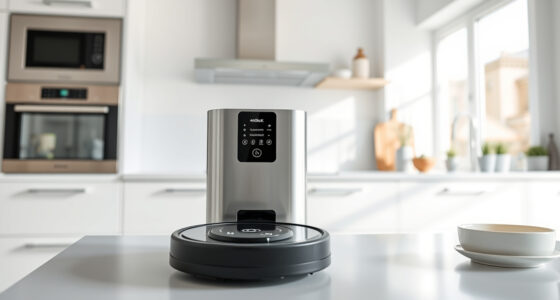
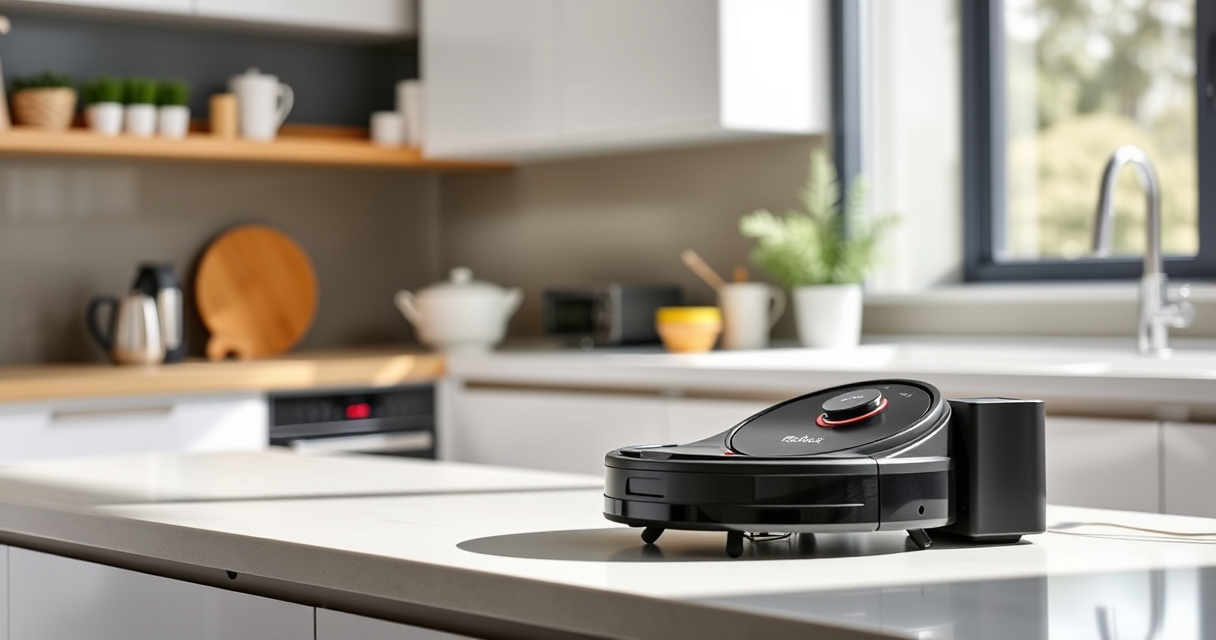
roborock Q7 M5+ Robot Vacuum and Mop
- ✔ Model: Q7 M5+
- ✔ Color: Black
- ✔ Weight: Approx. 4.9 kg

4 Pack Washable Filter
- ✔ Type: HEPA
- ✔ Washable: Yes
- ✔ Replacement Interval: Every 2-3 months
roborock Q7 M5+ Robot Vacuum and Mop
<p>The Roborock Q7 M5+ offers powerful suction up to 10,000Pa and a dual anti-tangle system, making it ideal for homes with pets and carpets. Its PreciSense LiDAR navigation ensures precise mapping, helping it avoid obstacles effectively once properly maintained.</p>
Pros:
- Powerful 10,000Pa suction
- Dual anti-tangle system
- Long-lasting self-emptying
- Precise LiDAR navigation
Cons:
- May require regular sensor cleaning
- Complex areas might need physical barriers
Best for: Pet owners and homes with high debris
Not ideal for: Cluttered or excessively uneven flooring
Bottom line: A high-performance vacuum ideal for pet owners that needs regular maintenance to avoid getting stuck.
4 Pack Washable Filter
<p>This 4-pack of washable HEPA filters ensures your Roborock Q7 M5+ maintains optimal suction and filtration. Replacing filters regularly helps prevent blockages and performance drops, supporting smoother operation.</p>
Pros:
- Keeps vacuum performing like new
- Easy to clean and reuse
- Compatible with multiple models
- Effective at trapping allergens
Cons:
- Requires periodic washing
- Not OEM but highly compatible
- Must dry completely before reuse
Best for: Maintaining peak suction and air quality
Not ideal for: First-time filter installation or major repairs
Bottom line: A cost-effective way to keep your vacuum running efficiently and prolong its lifespan.
Frequently Asked Questions
Why does my Roborock keep getting stuck on certain spots?
It may be due to obstacles, tangled hair on brushes, or sensor dirt. Cleaning sensors and clearing debris usually resolves this.
How often should I clean the sensors and brushes?
For optimal performance, clean sensors and brushes once a week or more frequently if you have pets or lots of dust.
Can I use virtual boundaries to prevent getting stuck?
Yes, you can set virtual boundaries in the Roborock app to restrict navigation in cluttered or problematic areas.
What if updating the firmware doesn’t fix the issue?
Try resetting the vacuum or performing a factory reset. If problems persist, contact Roborock support for further assistance.
Keep Your Roborock Running Smoothly
Regular maintenance, obstacle removal, and software updates are key to preventing your Roborock Q7 M5+ from getting stuck. With these simple steps, you can enjoy a consistently clean home without interruptions. Stay proactive with cleaning sensors and brushes, and utilize app features like virtual boundaries to keep navigation trouble-free.
Affiliate disclosure: As an Amazon Associate we earn from qualifying purchases. Prices and availability are accurate as of the time of publishing.