
TL;DR

Get home appliances delivered free with Prime
- Fast, free delivery on millions of items
- Prime Video, Amazon Music and more included
- Member-only deals all year
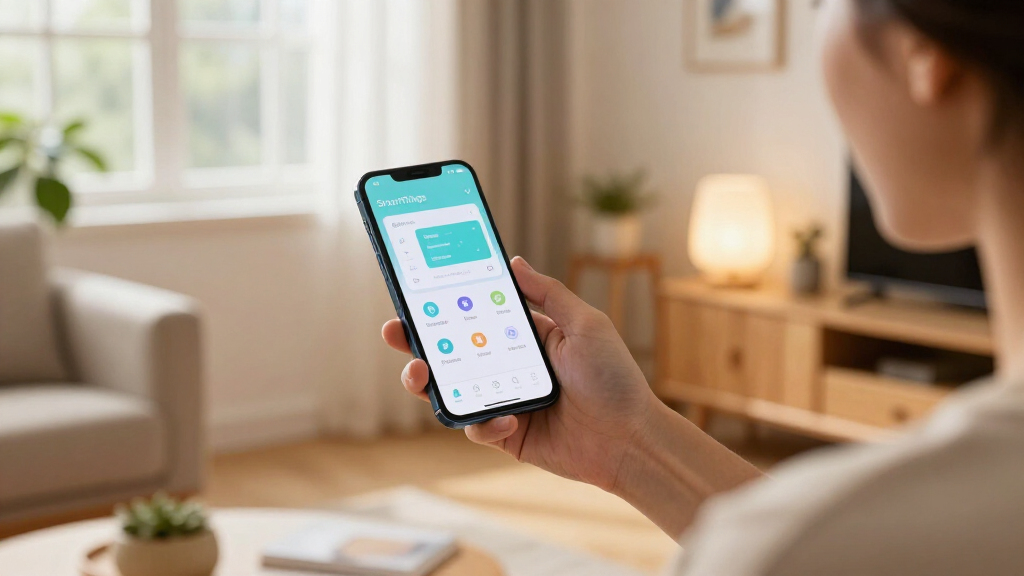
Samsung’s redesigned SmartThings app is now reportedly rolling out to Android as version 1.8.51.30, following its earlier arrival on iOS. The update brings smaller, rearrangeable device and routine cards, shortcuts for controlling devices, a redesigned TV remote and a floating navigation bar. Availability may vary by device and rollout timing.
Samsung’s redesigned SmartThings app is reportedly rolling out to Android devices as version 1.8.51.30, bringing a more compact home screen, updated device controls and a redesigned in-app TV remote. The Android release follows an earlier rollout to iOS, and gives users a refreshed way to view and control compatible devices and routines from the app.
The update changes how SmartThings displays devices and routines on its Home and Devices screens. Cards are now smaller and denser, so more items can fit on screen at once. Users can also resize and rearrange cards, allowing frequently used devices or routines to be placed where they are easier to reach.
Some controls are available directly from the cards. Tapping a device card’s icon can switch that device on or off, while routine cards can be triggered from the same view. At the top of the Home tab, a dedicated area can show information such as weather updates and suggested routines. A separate Favourites section holds pinned devices and routines.
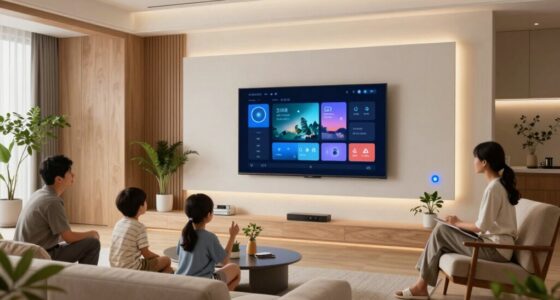
The built-in TV remote has also been updated. It adds a light mode option and can be resized or repositioned within the app. Samsung has changed the navigation bar to a floating design as well. The Ambient reports that the Android version looks largely like the redesigned iOS app; the provided report does not identify additional Android-only features.
More Controls on the SmartThings Home Screen
The redesign focuses on making everyday smart-home controls easier to find without opening each device’s individual page. Smaller cards and direct shortcuts could help users manage more devices and routines from the main screens, while the ability to rearrange cards lets them prioritize the controls they use most.
The release also closes a gap between the app’s platforms. The redesign arrived on iOS before Android, including Samsung’s own Android devices, according to The Ambient. Android users are now beginning to receive the updated layout, though the staged rollout means not everyone will see it at the same time.
The changes are interface and access updates; the source report does not describe new SmartThings hardware or say that the update expands which devices the service supports. Its practical effect will depend on each user’s setup, including which devices and routines they have connected.
Products Worth Considering

Samsung 85-Inch QN70H Neo QLED 4K Smart TV (2026)

Levoit Vital 100S-P Air Purifier for Home and Pets

Philips Hue Bridge Pro Smart Lighting Hub
As an affiliate, we earn on qualifying purchases.
iOS Release Came Before Android
The SmartThings app is Samsung’s interface for managing connected devices and routines. This release is a redesign of that app experience, rather than a reported change to the SmartThings service itself. The new presentation brings device and routine controls into a more configurable card layout and changes the placement and appearance of navigation.
The rollout order is a notable part of the update: iOS received the redesign earlier, before it became available on Android. The report says the Android update is now appearing as version 1.8.51.30, and that it is available through both the Google Play Store and Samsung’s Galaxy Store. The report does not give a fixed date for when every eligible Android device will receive it.
“The update is reportedly rolling out with version 1.8.51.30 of the SmartThings app.”
— The Ambient
Rollout Timing Varies by Device
The available report describes the update as rolling out now, but does not state how quickly it will reach all Android users or which devices will receive it first. It also does not provide a complete list of supported Android versions or devices. Availability may differ between the Google Play Store and Galaxy Store, or by device and rollout timing.
It is also not clear from the report whether every feature will appear identically across Android devices, or whether Samsung plans further changes after this release. The described features and version number are based on The Ambient’s report; Samsung’s own announcement or a detailed release note is not included in the supplied source material.
Check Both Android App Stores
Android users can check the Google Play Store or Samsung’s Galaxy Store for SmartThings version 1.8.51.30. If the update is not listed yet, the report suggests availability may depend on the device and rollout schedule, so users may need to check again later. The source does not give a specific date for a wider release.
After installing the update, users can look for the new card layout on the Home and Devices screens, test the direct device and routine controls, and adjust card size or placement. The redesigned TV remote and floating navigation bar are also part of the reported changes. Further rollout details remain unconfirmed in the source material.
Key Questions
What is new in the redesigned SmartThings app for Android?
The update brings smaller, rearrangeable cards for devices and routines, shortcuts for switching devices on or off and triggering routines, a refreshed Home tab, a redesigned TV remote and a floating navigation bar.
Which version should Android users look for?
The Ambient reports that the redesign is rolling out as version 1.8.51.30 of the SmartThings app.
Where can I get the update?
Check the Google Play Store or Samsung’s Galaxy Store. The update may not appear immediately for every device because availability can vary with rollout timing.
Is the Android redesign the same as the iOS version?
The Ambient says the Android update looks largely the same as the redesigned iPhone version. The supplied report does not detail any platform-specific differences.
When will the update reach all Android users?
No complete rollout schedule is provided. The update is reported to be rolling out now, but availability may depend on the device and timing.
Source: rss