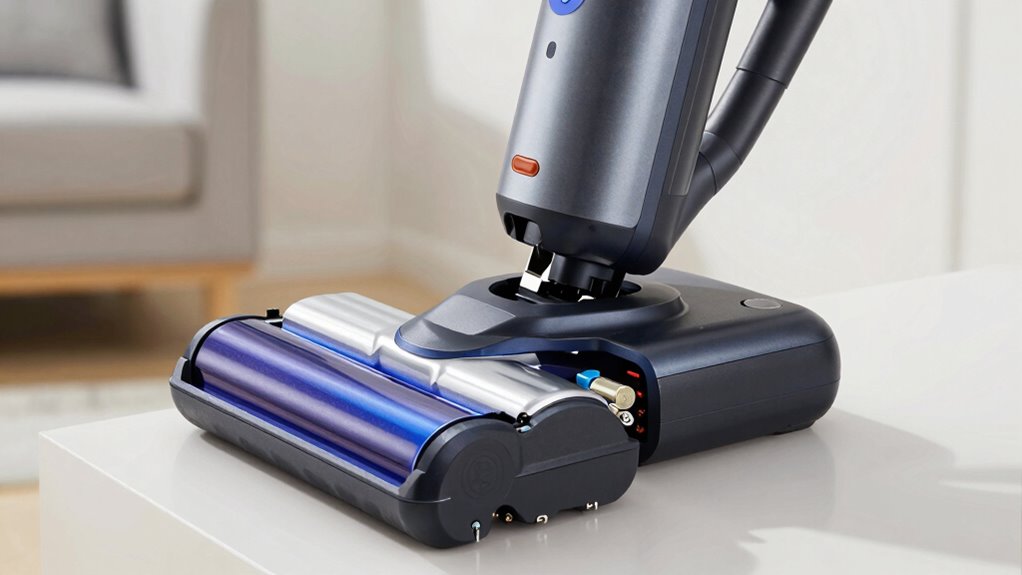

To make your cordless vacuum batteries last longer, avoid letting them fully discharge and keep recharging between 20-80%. Use the right charger and don’t overcharge, unplugging once fully charged. Store batteries in a cool, dry place and maintain contact points clean. Proper charging habits, storage, and contact maintenance can extend your battery’s life considerably. Keep exploring these tips for even better results and to keep your vacuum performing at its best.
Key Takeaways
- Use manufacturer-recommended chargers and avoid overcharging to prevent battery damage.
- Keep the battery charge level between 20% and 80% for optimal longevity.
- Store batteries in a cool, dry place at around 40-60% charge; avoid extreme temperatures.
- Regularly clean contact points to ensure proper power flow and prevent performance issues.
- Avoid deep discharges and prolonged disuse to minimize capacity loss and wear.
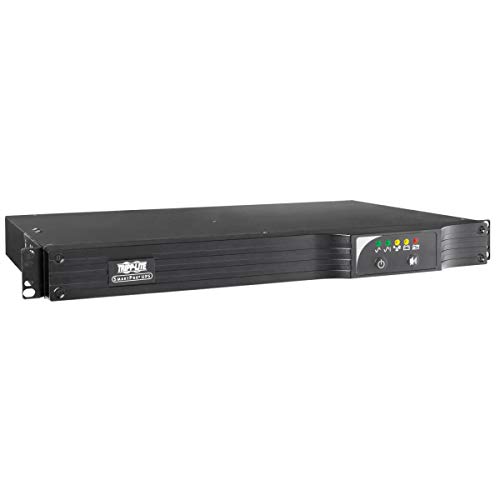
Tripp Lite 500VA Smart UPS Back Up, 300W Line-Interactive, 1U Rackmount, Network Card Options, USB, DB9 Serial, 2 & 3 Year Warranties, $250,000 Insurance (SMART500RT1U)
500VA line interactive 1U rack/tower UPS. Installed depth of only 11.8 inches. USB, RS232, EPO and optional SNMP/Web...
As an affiliate, we earn on qualifying purchases.
How Do Cordless Vacuum Batteries Work and Why Do They Wear Out?

Cordless vacuum batteries power your vacuum by storing electrical energy in chemical form and converting it into electrical energy when needed. The core of this process is battery chemistry, which determines how efficiently the battery stores and releases energy. Most vacuums use lithium-ion batteries because of their high energy density and longevity. Power management is also essential; it regulates how energy flows from the battery to your vacuum’s motor, ensuring consistent performance. Over time, chemical reactions within the battery cause degradation, reducing its capacity to hold a charge and deliver power. Frequent charging, deep discharges, and high temperatures accelerate this wear. Understanding how battery chemistry and power management work helps you appreciate why batteries wear out and how to extend their lifespan. Additionally, proper calibration and avoiding extreme temperatures can optimize battery life, as well as maintain consistent power output, and ensure your vacuum performs at its best for longer periods. Regularly monitoring battery health can also help you identify when it’s time to replace the battery before performance declines significantly. Incorporating proper charging habits can further prolong the usable life of your vacuum’s battery. Being mindful of temperature effects and avoiding exposure to heat or cold can also significantly reduce battery degradation, helping you get the most out of each charge.

Tripp Lite SMART1500LCD 1500VA Rack Mount UPS Battery Backup, 900W, 8 Outlets, PWM Sine Wave, Short Depth 2U Rackmount UPS, AVR, LCD Screen
1500VA/900W UPS: Eight NEMA 5-15R outlets provide reliable UPS battery backup & surge protection for servers, computers, and...
As an affiliate, we earn on qualifying purchases.
How Can You Tell When Your Vacuum Battery Needs Repair or Replacing?

Knowing when your vacuum battery needs repair or replacement can save you time and maintain your cleaning efficiency. Pay attention to signs that indicate your battery’s lifespan is nearing its end. If your vacuum runs for markedly less time than it used to or takes longer to recharge, these are clear repair indicators. You might also notice the vacuum losing power during use or not holding a charge at all. In some cases, the battery may become warm or hot, signaling potential issues. Addressing these signs early can prevent complete failure and extend the battery’s life. Recognizing repair indicators helps you decide whether a simple fix or a full replacement is needed, ensuring your vacuum continues to perform effectively. Additionally, understanding battery maintenance can help you prolong its overall lifespan. Regularly monitoring your battery’s performance allows you to catch issues before they become serious, saving you money and effort. Being aware of common battery problems can further assist in diagnosing and addressing issues promptly. For instance, incorporating proper recharge habits into your routine can significantly extend your battery’s useful life.

CyberPower CP1500PFCRM2U PFC Sinewave UPS Battery Backup and Surge Protector, 1500VA/1000W, 8 Outlets, AVR, Short Depth 2U Rackmount, UL Certified
1500VA/1000W PFC Sine Wave Battery Backup Uninterruptible Power Supply (UPS) System designed to support active PFC and conventional...
As an affiliate, we earn on qualifying purchases.
Best Practices for Charging and Discharging Your Vacuum Battery

To maximize your vacuum battery’s lifespan, it’s essential to follow proper charging and discharging practices. Always avoid letting the battery fully deplete before recharging, as deep discharges can shorten its lifespan. Instead, top it up frequently, keeping the charge between 20% and 80%. Use the charger recommended by the manufacturer, and don’t leave your vacuum plugged in after it’s fully charged—overcharging can harm the battery. When discharging, don’t keep the vacuum unused for long periods, as prolonged disuse can degrade the battery. Additionally, battery maintenance plays a crucial role in preserving battery health over time. Follow these charging tips to maintain ideal battery health. Proper care ensures your vacuum’s battery remains efficient longer, saving you money and hassle in the long run. Consistent, mindful charging and discharging habits are key to extending your battery’s overall lifespan. Being aware of battery chemistry can also help you understand how different charging patterns impact overall battery longevity.

CyberPower OR500LCDRM1U Smart App LCD UPS Battery Backup and Surge Protector, 500VA/300W, 6 Outlets, AVR, 1U Rackmount, UL Certified
500VA/300W Smart App LCD Uninterruptible Power Supply (UPS) System uses simulated sine wave output to protect department and...
As an affiliate, we earn on qualifying purchases.
How to Store Your Vacuum Battery to Make It Last Longer
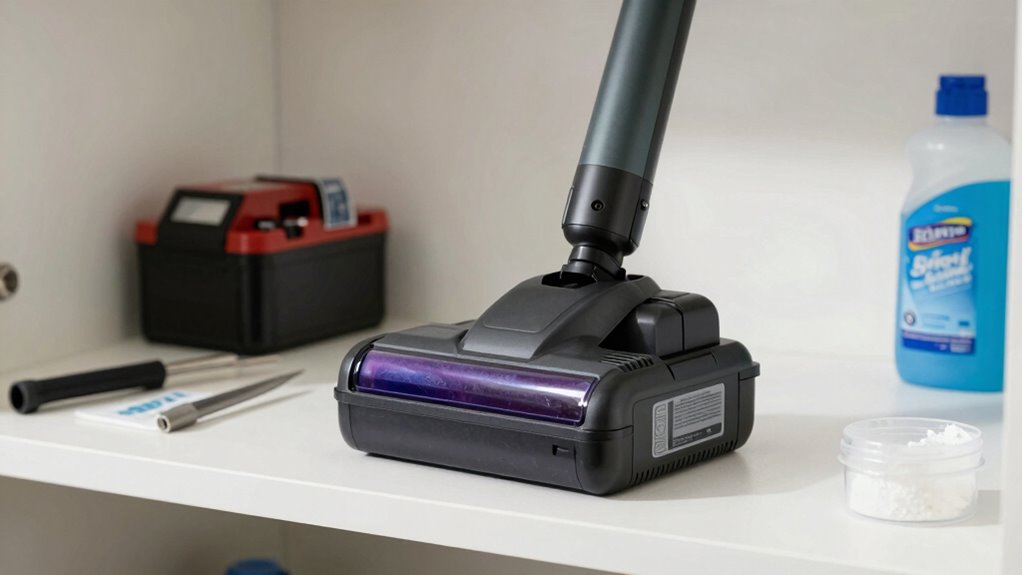
Storing your vacuum battery properly is essential for preserving its capacity over time. Effective battery storage involves keeping it in a cool, dry place away from direct sunlight, which helps prevent capacity loss caused by heat. Temperature management is critical—avoid exposing the battery to extreme temperatures, whether hot or cold, as this can degrade the cells. Aim to store your battery at a moderate room temperature, ideally around 60-70°F (15-21°C). Don’t leave it fully charged or completely drained for long periods; instead, store it at about 40-60% charge. This balance minimizes stress on the battery and prolongs its lifespan. Additionally, battery chemistry plays a significant role in how well your battery responds to storage conditions. Proper storage practices ensure your vacuum battery stays healthy and ready to perform when you need it most. Battery longevity can be significantly affected by how well you manage storage conditions, especially considering the advanced filtration systems and other technology that can influence battery performance over time. Maintaining stable temperature conditions further helps prevent capacity loss and extends overall battery life. Being mindful of storage environment can help prevent corrosion and other damage that might occur from improper storage.
How to Clean and Maintain Battery Contacts for Better Performance

Keeping your vacuum battery contacts clean is key to maintaining peak performance and guaranteeing a reliable connection. Over time, contact points can accumulate dirt or battery corrosion, reducing efficiency. Regular contact cleaning prevents power loss and prolongs battery life. To keep contacts in top shape, inspect them regularly and remove any buildup. Use a soft brush or cloth to gently clean corrosion or debris, avoiding abrasive tools that might damage the contacts. Applying a small amount of rubbing alcohol can help dissolve corrosion. Always ensure your vacuum is unplugged before cleaning. Proper contact maintenance ensures ideal power flow and minimizes the risk of connectivity issues. Consistent cleaning and inspection safeguard your investment and keep your vacuum running smoothly. Additionally, understanding your vacuum’s battery technology can help you choose the best maintenance practices for longevity. Being aware of battery chemistry can inform you about the best cleaning agents and handling procedures to prevent damage. Regularly consulting manufacturer guidelines can also provide specific maintenance tips tailored to your vacuum model. Implementing scheduled preventive maintenance can further extend the lifespan of your battery and improve overall device performance. Incorporating performance metrics into your maintenance routine can help identify early signs of battery issues before they become serious.
Choosing the Right Charger and Avoiding Overcharging Your Battery

Choosing the right charger is vital to guarantee your cordless vacuum battery performs at its best and lasts longer. Select a charger compatible with your battery’s chemistry—whether lithium-ion, NiMH, or others—to ensure safe and effective charging. Using an incorrect charger can lead to overcharging, which damages the battery and reduces its lifespan. Always follow the manufacturer’s instructions for charging times and avoid leaving your vacuum plugged in continuously. Charging safety is essential; overcharging can cause overheating or even fire risks. Invest in chargers with built-in safeguards like automatic shut-off or temperature control. By using the proper charger designed for your battery type and adhering to safe charging practices, you’ll extend your vacuum’s battery life and maintain peak performance. Proper air purifier maintenance can also prevent dust buildup that might affect your vacuum’s filters and overall operation.
When Is It Time to Replace Your Vacuum Battery Instead of Repairing It?

Eventually, your vacuum battery will reach a point where repairing it isn’t worth the effort anymore. Recognizing when to replace instead of repair depends on the battery lifespan and clear replacement indicators. If your vacuum no longer holds a charge or runs considerably shorter than it used to, it’s time for a new battery. You might notice increased charging times or inconsistent power during use. Also, frequent overheating or swelling are signs of deterioration that repairs can’t fix. When repairs become costly or ineffective, replacing the battery is more practical. Keep an eye on these indicators to avoid frustration and maintain your vacuum’s performance.
- Shortened runtime
- Inability to hold charge
- Swelling or physical damage
- Excessive charging time
- Frequent overheating
Frequently Asked Questions
Can Using the Wrong Charger Damage My Vacuum Battery?
Yes, using the wrong charger can damage your vacuum battery. Charger compatibility is vital; an incompatible charger might overcharge or undercharge, reducing battery life or causing permanent damage. This can also void your battery warranty. Always use the charger recommended by the manufacturer to guarantee safety and longevity. Proper charging habits help maintain your battery’s performance and protect your investment in your cordless vacuum.
How Does Temperature Affect Battery Lifespan?
Temperature turbulence substantially impacts your battery lifespan. When you maintain proper temperature management, your battery benefits from balanced heat levels, preventing overheating and cold damage. Adequate battery cooling keeps temperatures steady, ensuring longevity and performance. Avoid exposing your vacuum to extreme heat or cold, and store it in a cool, dry place. By managing temperature thoughtfully, you extend your battery’s life, maximizing its power and productivity over time.
Are There Signs of a Failing Battery Besides Poor Performance?
Yes, besides poor performance, you might notice decreased battery capacity over time or longer charging cycles. If your vacuum takes longer to charge or doesn’t hold a full charge, these are signs your battery is failing. You may also observe the battery getting unusually hot or swelling. These indicators suggest it’s time to replace the battery to maintain peak device performance and avoid potential safety hazards.
What Safety Precautions Should I Take When Handling Batteries?
Think of handling batteries like walking a tightrope—balance is key. Always wear gloves and eye protection to prevent burns or leaks. Avoid puncturing or exposing batteries to heat, which can spark a fire. When recycling, follow proper battery recycling procedures to prevent environmental harm. Keep a fire extinguisher nearby, just in case. These precautions help you stay safe, protect your home, and promote responsible fire safety and battery recycling.
Is It Better to Replace or Repair a Battery After Failure?
It’s usually better to replace a failed battery rather than repair it. Repairing can be risky and might void your warranty coverage. Plus, recycling your old battery responsibly guarantees environmental safety. Replacement ensures you get a reliable, safe power source for your vacuum. Always check if your warranty covers battery failure—if it does, the manufacturer might replace it for free, saving you money and hassle.
Conclusion
Eventually, your cordless vacuum battery will hit a breaking point. Will you catch the signs early or ignore the warning? Proper care can give you more time before replacement, but neglect might leave you stranded mid-cleaning. Imagine the frustration of a dead battery just when you need it most—don’t let that be your reality. Stay vigilant, follow best practices, and you might just extend its life longer than you expect. The choice is yours.


